 1 / 11
Learn to ship Android apps that protect their users: threat modeling, the Android security model, permissions for location, photos, and notifications, exported components, intents and PendingIntents, deep links and App Links, FileProvider, WebView safety, storage and backup rules, AES-GCM with the…
Permissions, Secure Storage, Keystore and Biometrics, Network Security, Safe Components, and Privacy by Design
Read before you buy: the PDF here is a free sample — the first 20 pages of the 428-page book (payments, sales and reviews on this demo site are sample data). Get the full e-book at thenexbooks on Gumroad.
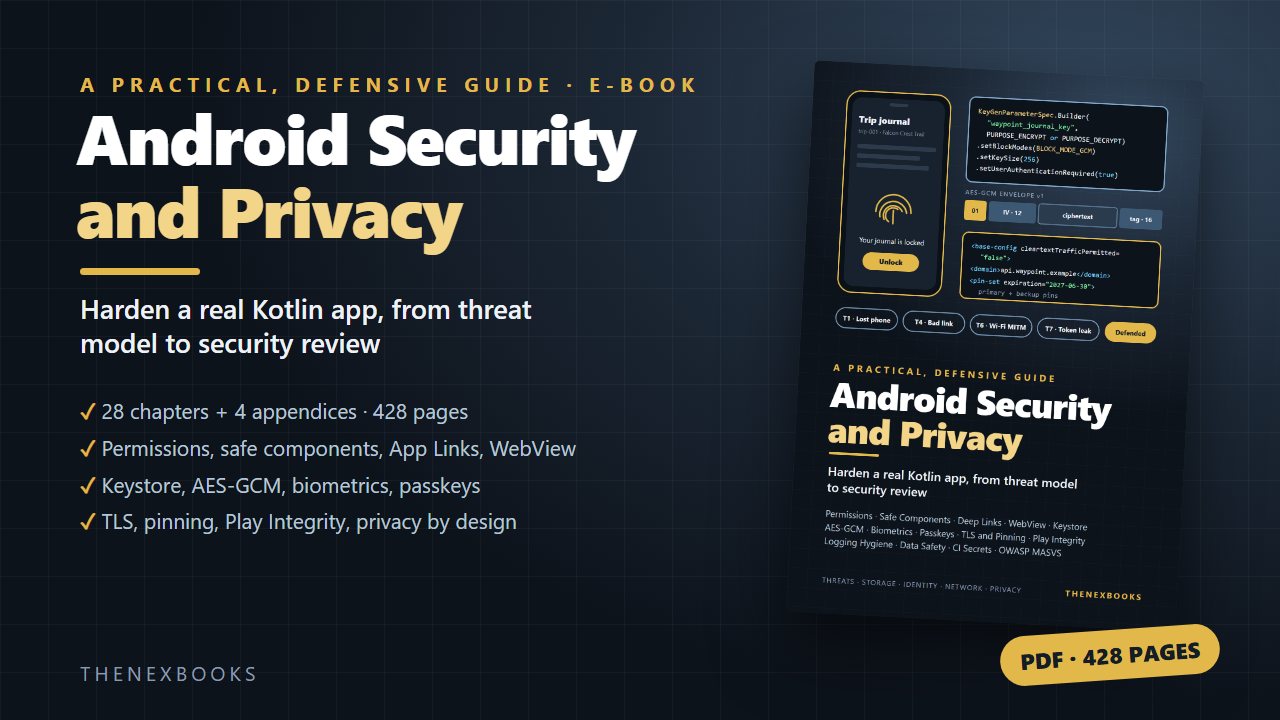
Harden a real Android app step by step, from threat model to security review.
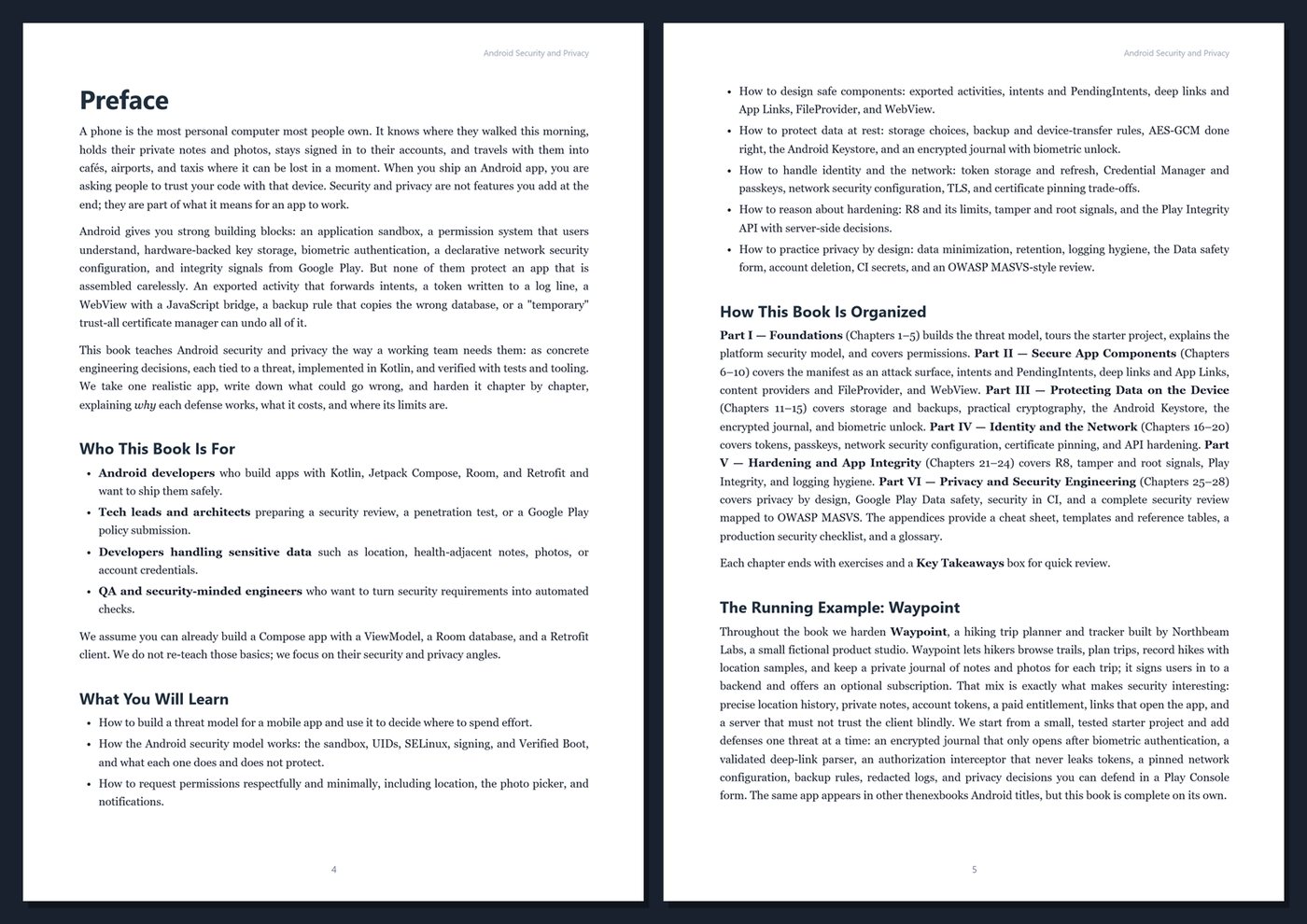
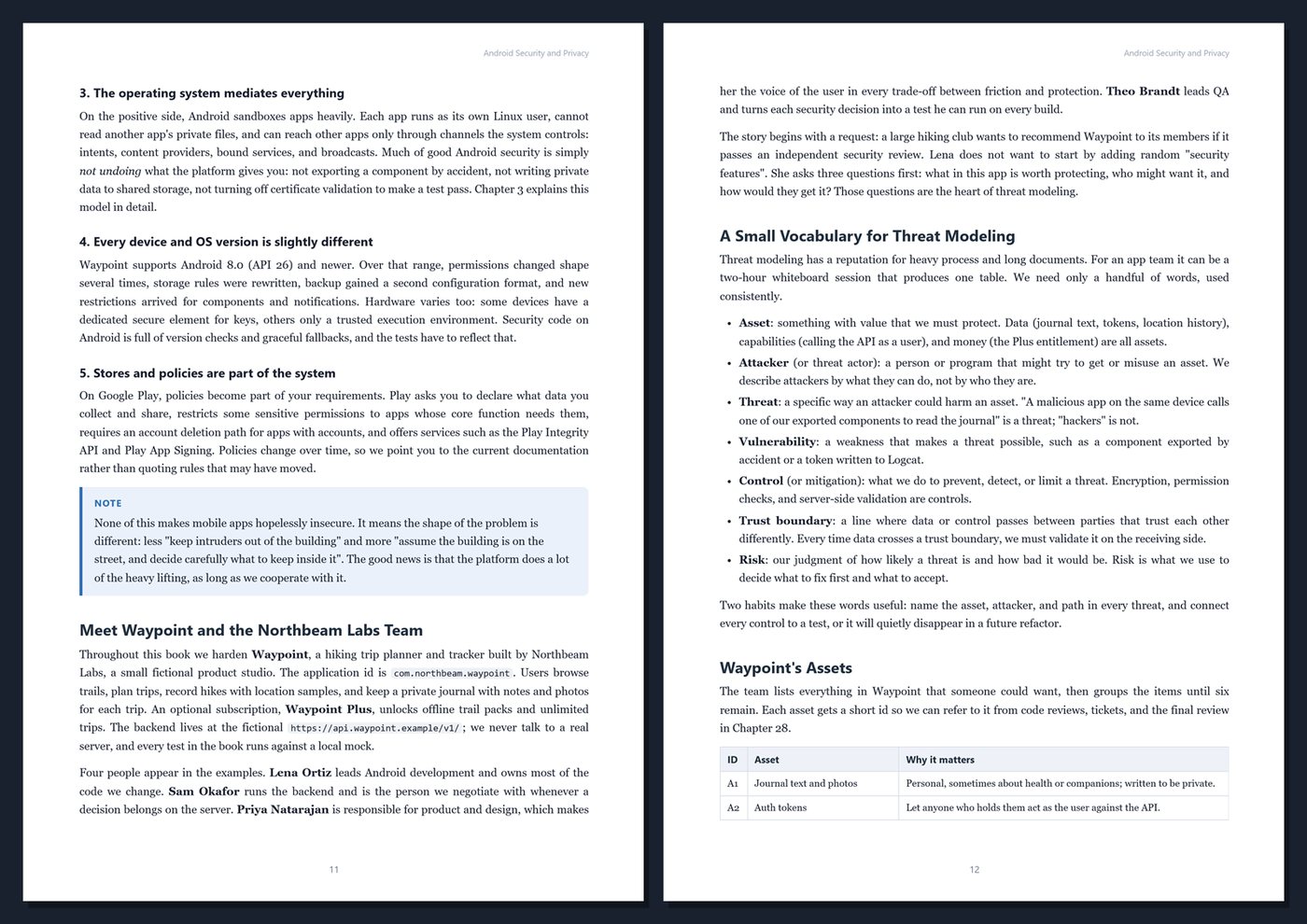
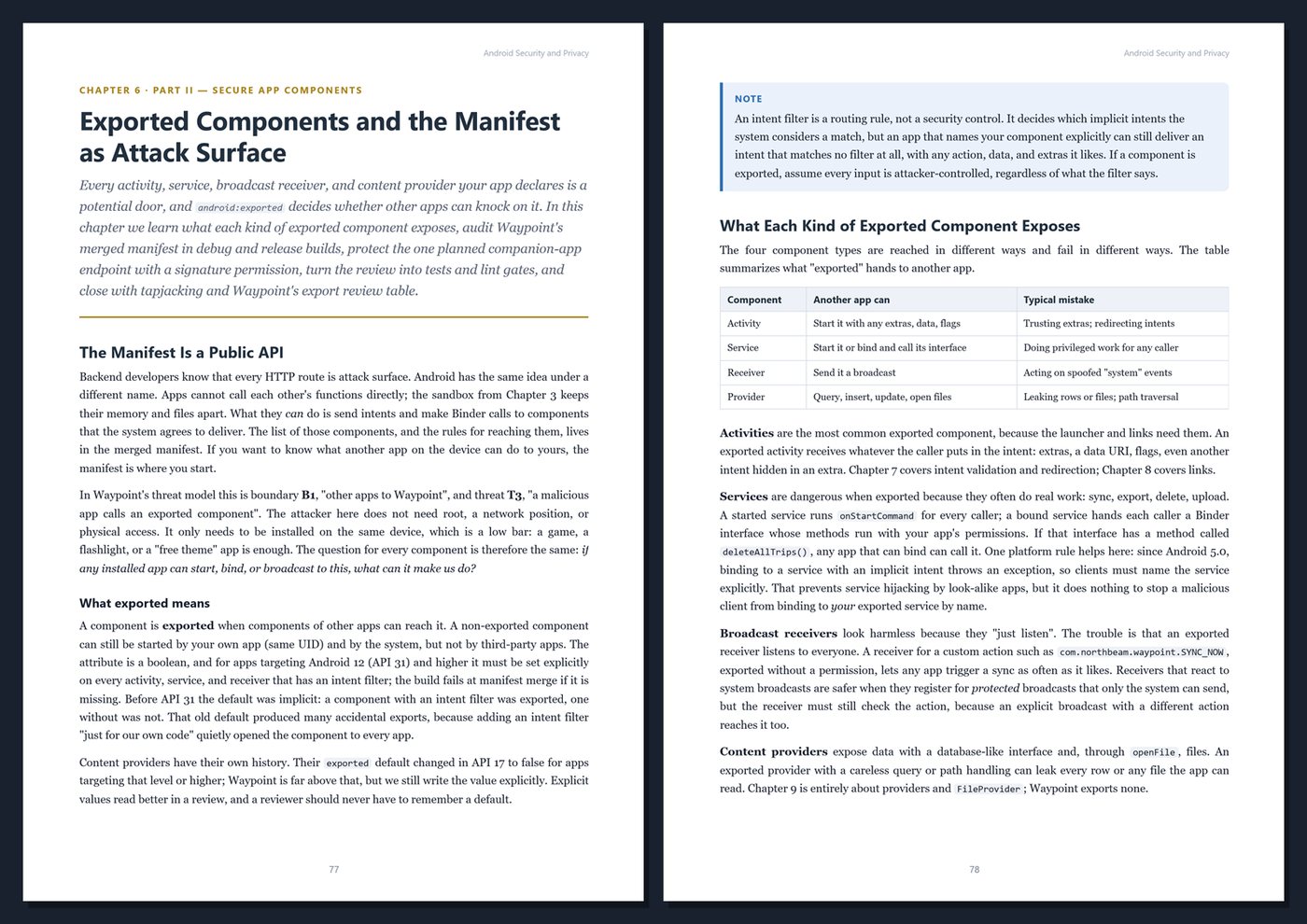
A phone holds its owner's location history, private notes, photos, and signed-in accounts, and it can be lost in a café in a second. Android gives you strong building blocks: the app sandbox, runtime permissions, hardware-backed keys, biometric authentication, a declarative network security configuration, and integrity signals from Google Play. But one exported activity, one token in a log line, one WebView bridge, or one wrong backup rule can undo all of them.
This book teaches Android security and privacy as concrete engineering decisions. Every defense is tied to a threat, implemented in Kotlin, and verified with tests, lint, or a clearly described device check, so you know why it works, what it costs, and where its limits are. The content is defensive throughout: it shows how to protect your own apps.
What's inside
- Threat modeling for mobile apps: assets, attackers, trust boundaries, and a reusable threat table
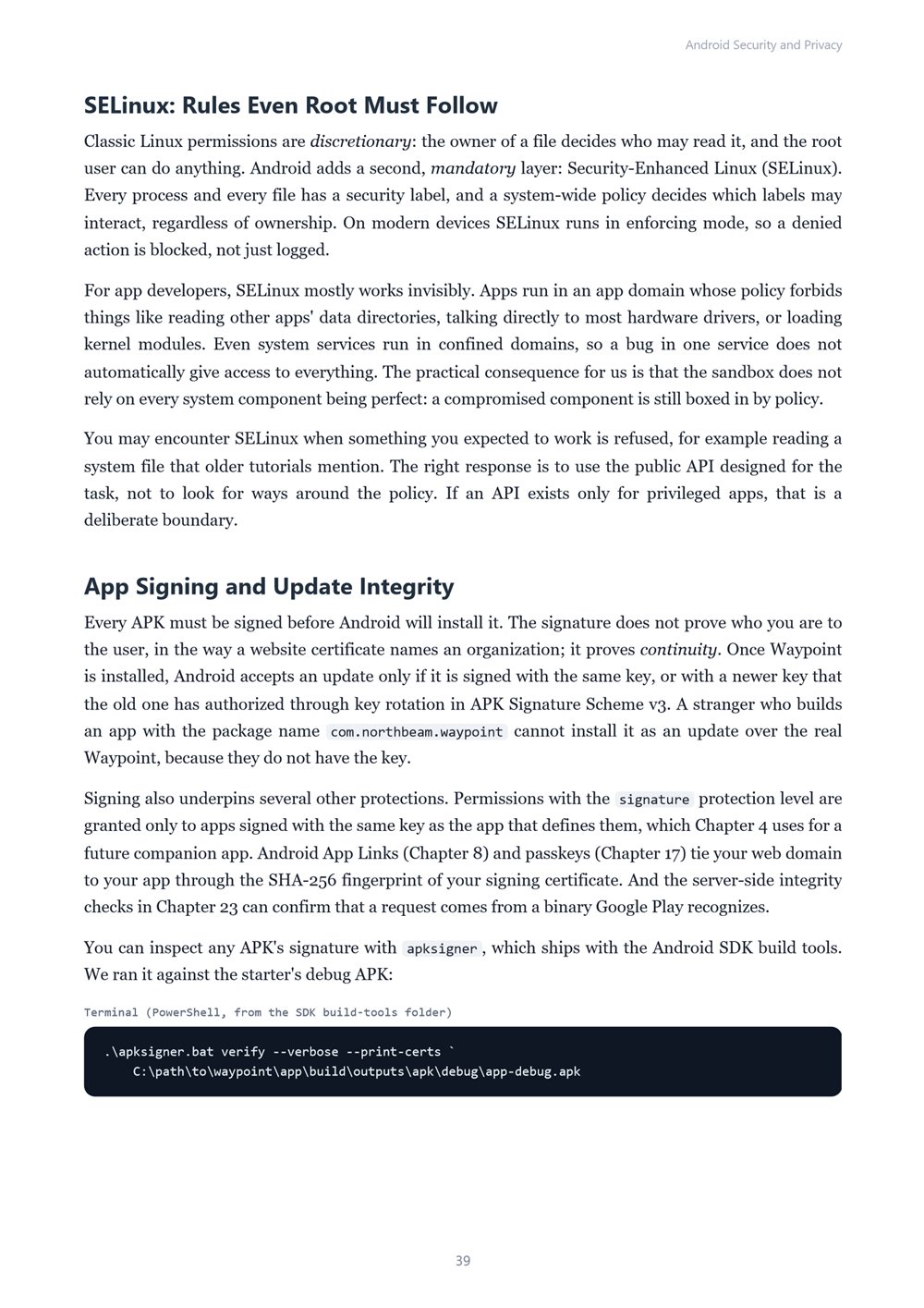
- The Android security model: sandbox and UIDs, SELinux, app signing, Verified Boot, and what each does not protect
- Permissions done right: runtime requests in Compose, rationale and denial, approximate vs precise location, the photo picker, and notification permission in context
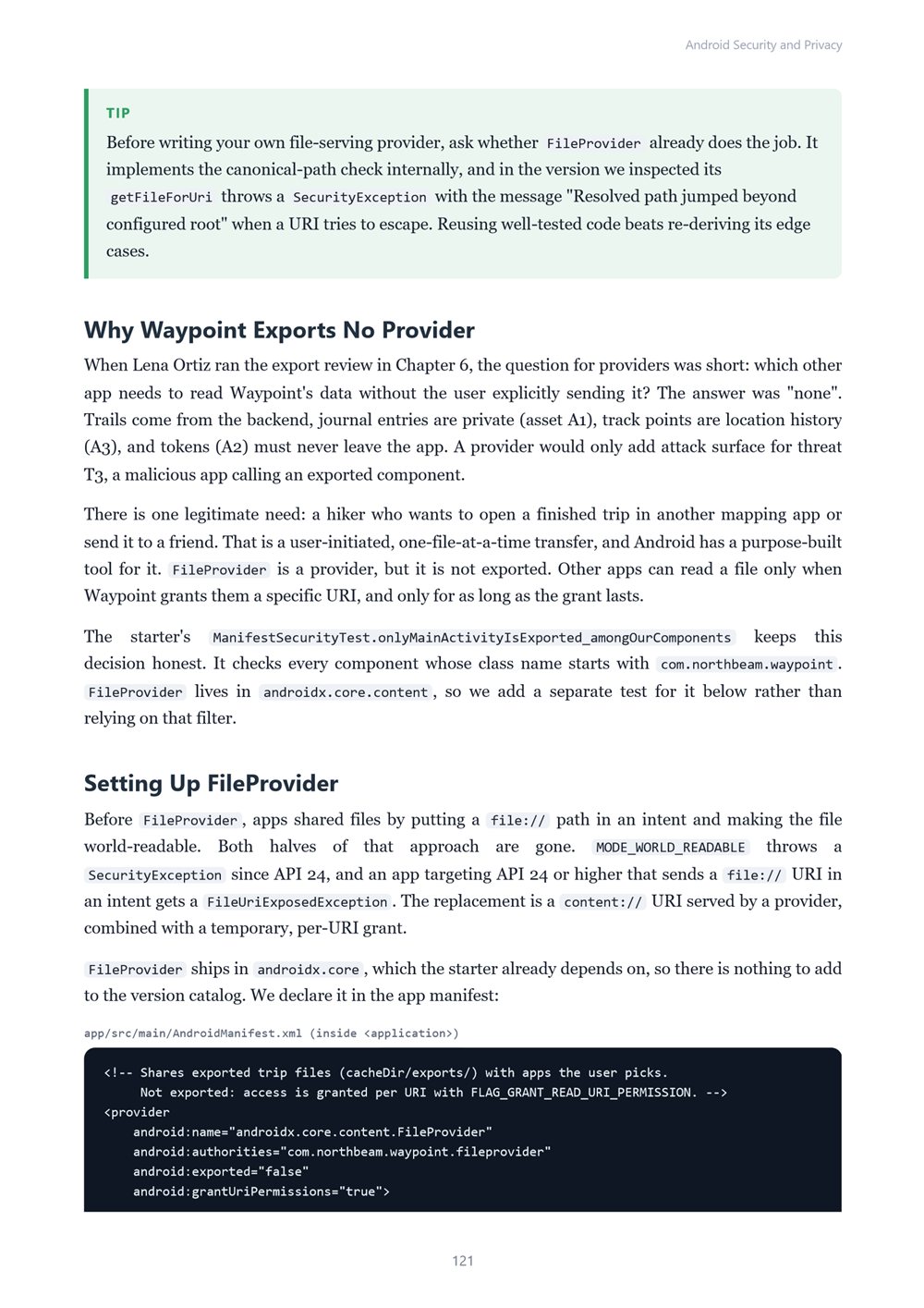
- Safe components: exported activities, intent redirection, PendingIntent mutability flags, deep links and verified App Links, FileProvider, and WebView hardening with Custom Tabs
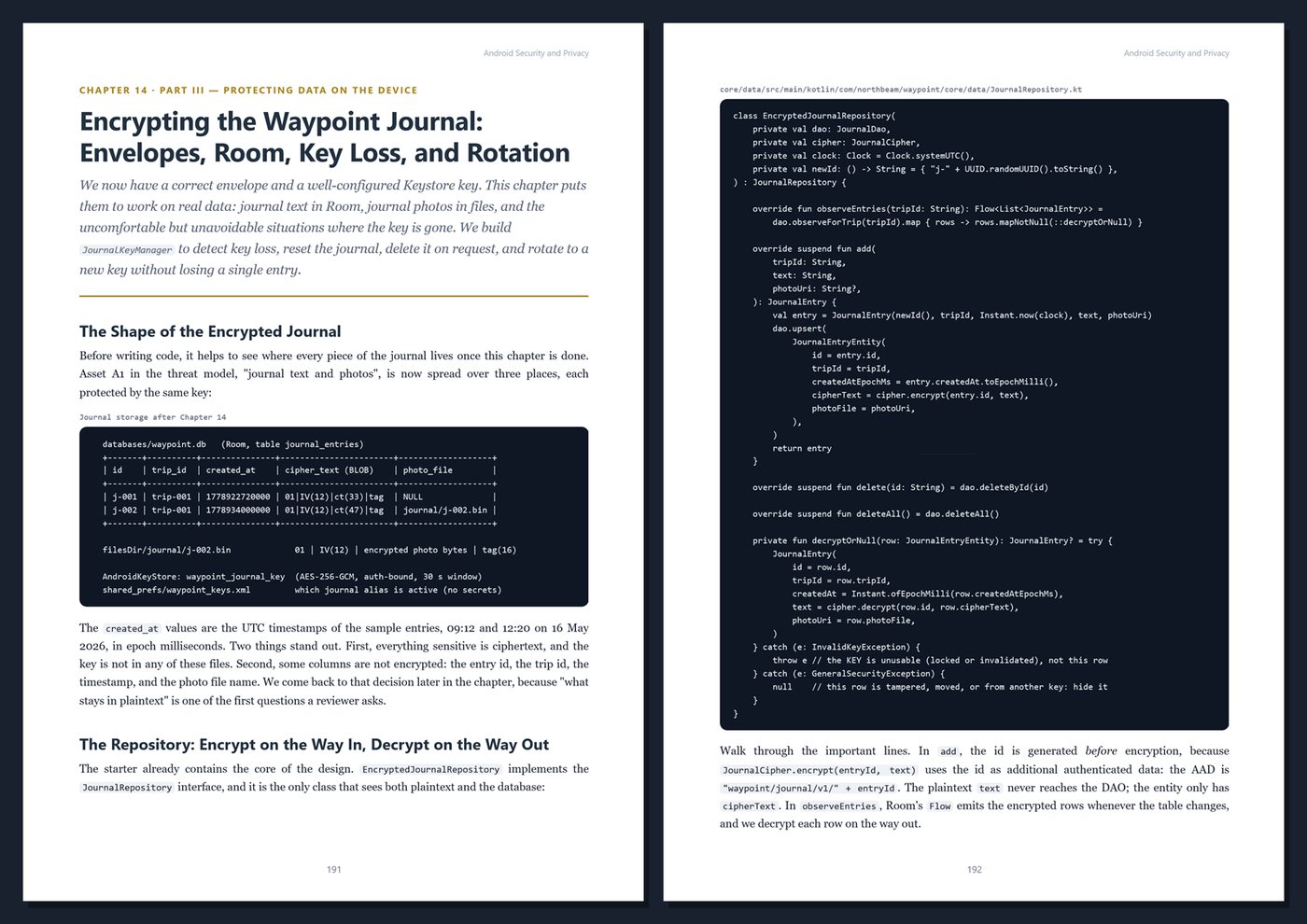
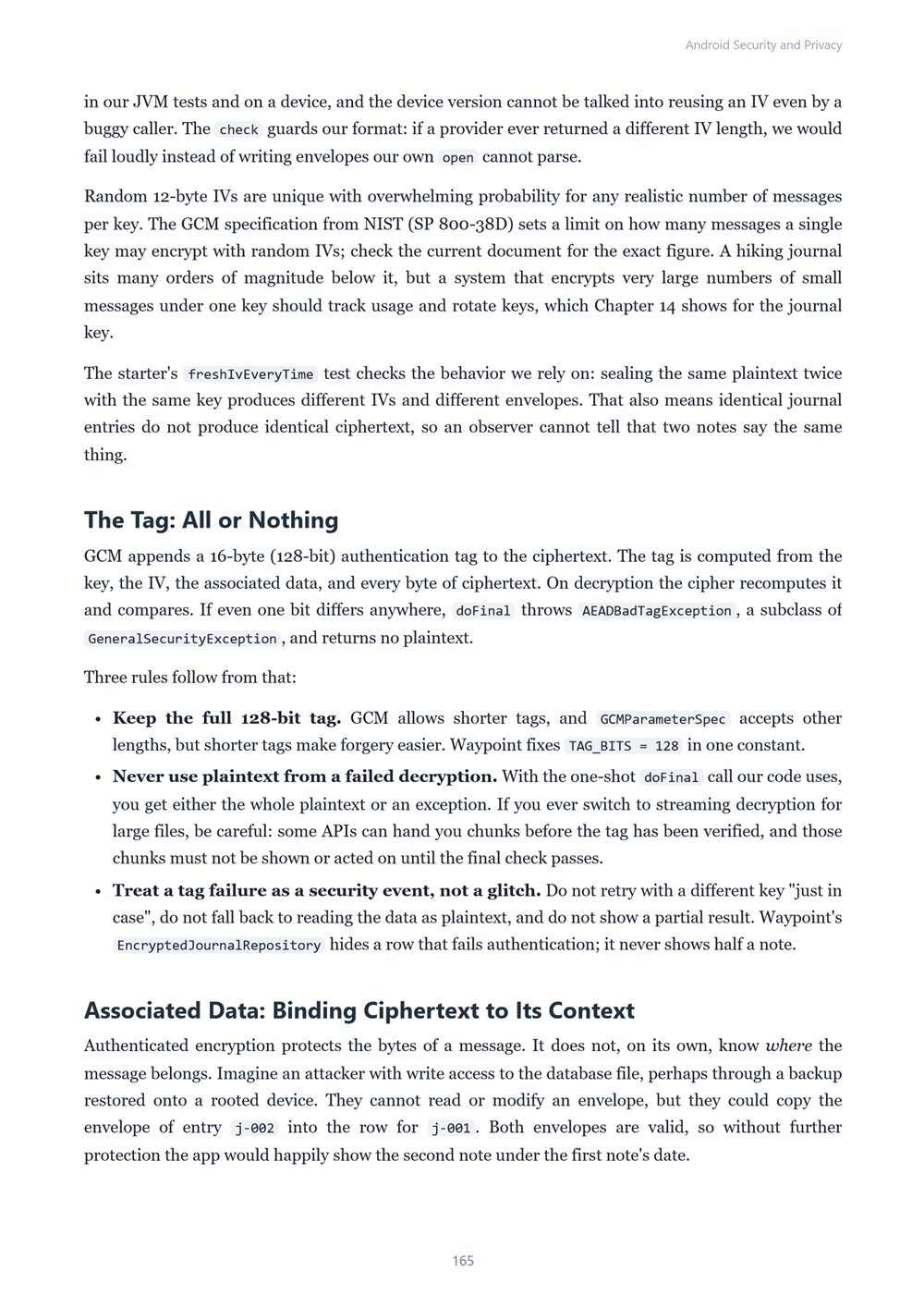
- Data at rest: internal and scoped storage, backup and device-transfer rules, AES-GCM with nonces and associated data, the Android Keystore and StrongBox, key invalidation and rotation, and why Jetpack Security crypto is deprecated
- An encrypted trip journal with biometric unlock using BiometricPrompt, authenticator classes, auth-bound keys, and CryptoObject
- Identity and networking: encrypted token storage, refresh-on-401, logout, Credential Manager and passkeys, TLS, network security configuration, and certificate pinning trade-offs with backup pins and rotation
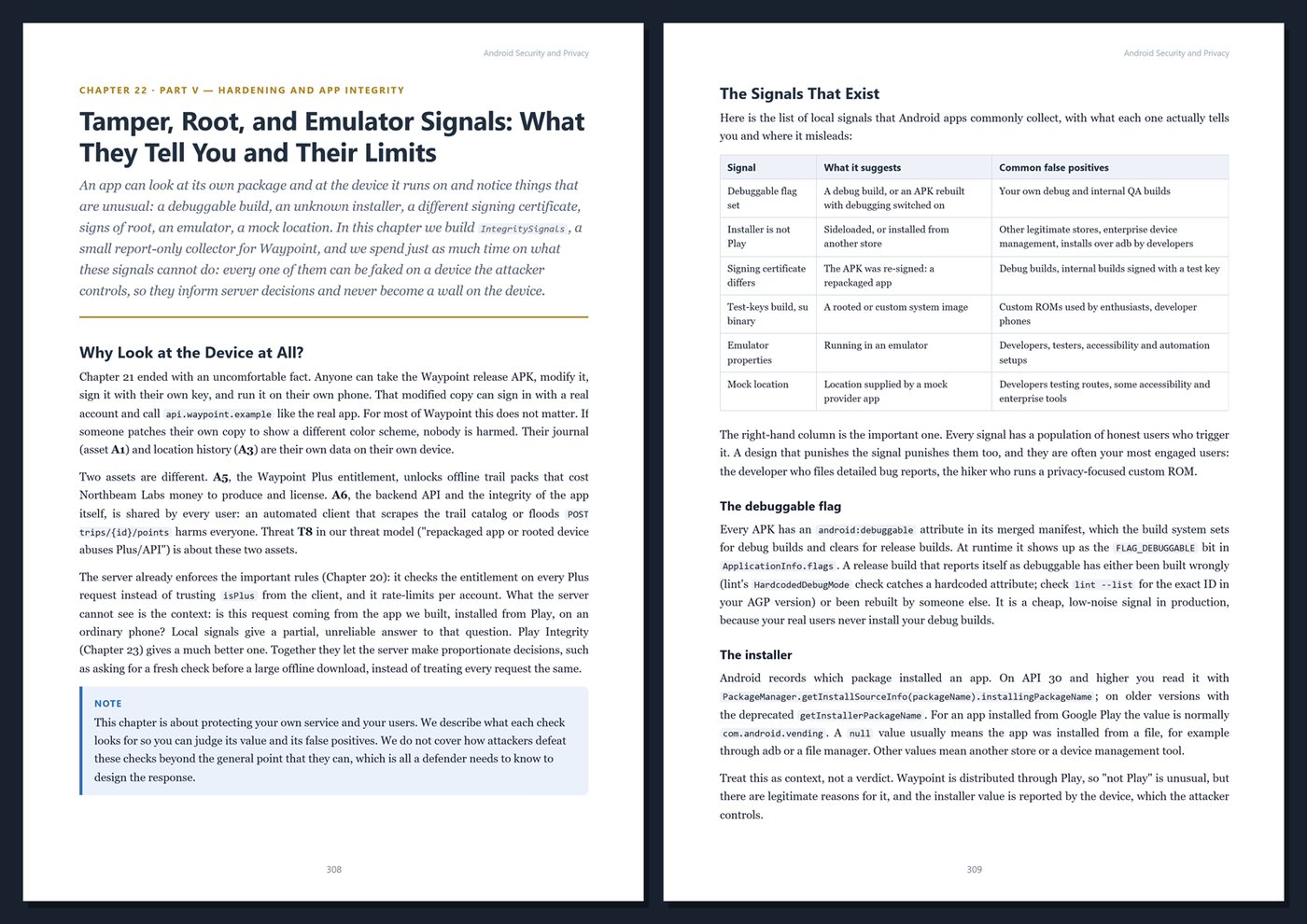
- Hardening: what R8 does and does not hide, why secrets never belong in an APK, tamper and root signals, and Play Integrity verdicts evaluated on your server
- Privacy and quiet leaks: logging hygiene and redaction, crash reports, FLAG_SECURE, the clipboard, lock-screen notifications, data minimization and retention, the privacy dashboard, the Google Play Data safety form, and account deletion
- Security engineering: lint as a gate, security unit tests, dependency hygiene, CI secrets and signing keys, and a complete review mapped to OWASP MASVS and MASTG
One running example, start to finish. You harden Waypoint, a fictional hiking trip planner and tracker built by Northbeam Labs. Waypoint records location during hikes, keeps a private journal of notes and photos, signs users in to a backend, opens from shared trail links, and offers a paid subscription, which makes it a realistic target. Starting from a small, tested Kotlin and Jetpack Compose project, you add an encrypted journal behind biometric unlock, a strict deep-link parser, a token-safe network layer with a pinned configuration, backup rules, redacted logs, and privacy decisions you can defend in a Play Console form.
Current and honest. The book uses a modern toolchain at the time of writing (Kotlin 2.4, Android Gradle Plugin 9.4, compileSdk 37, targetSdk 36) and says which Android version introduced each behavior that matters. Code that runs on the JVM was compiled and tested with unit tests and Robolectric; device-only features such as the Android Keystore, BiometricPrompt, passkeys, and Play Integrity are clearly marked. It contains no invented statistics or breach stories, and every key, pin, and token shown is a placeholder. Every chapter includes Kotlin and XML listings, Tips, Notes, Warnings, exercises, and Key Takeaways, and the appendices give you a cheat sheet, templates, a production security checklist, and a glossary.
Format: PDF, 428 pages (A4), linked table of contents and bookmarks. English. First Edition, 2026. Published by thenexbooks. Includes the Waypoint starter project (Gradle, Kotlin) used throughout the book. Requires JDK 21 and the Android SDK (Android Studio recommended) to build the code. Assumes you can already build an Android app with Kotlin and Jetpack Compose. Android and Google Play are trademarks of Google LLC. This book is independent and is not affiliated with, sponsored by, or endorsed by Google LLC or the OWASP Foundation.
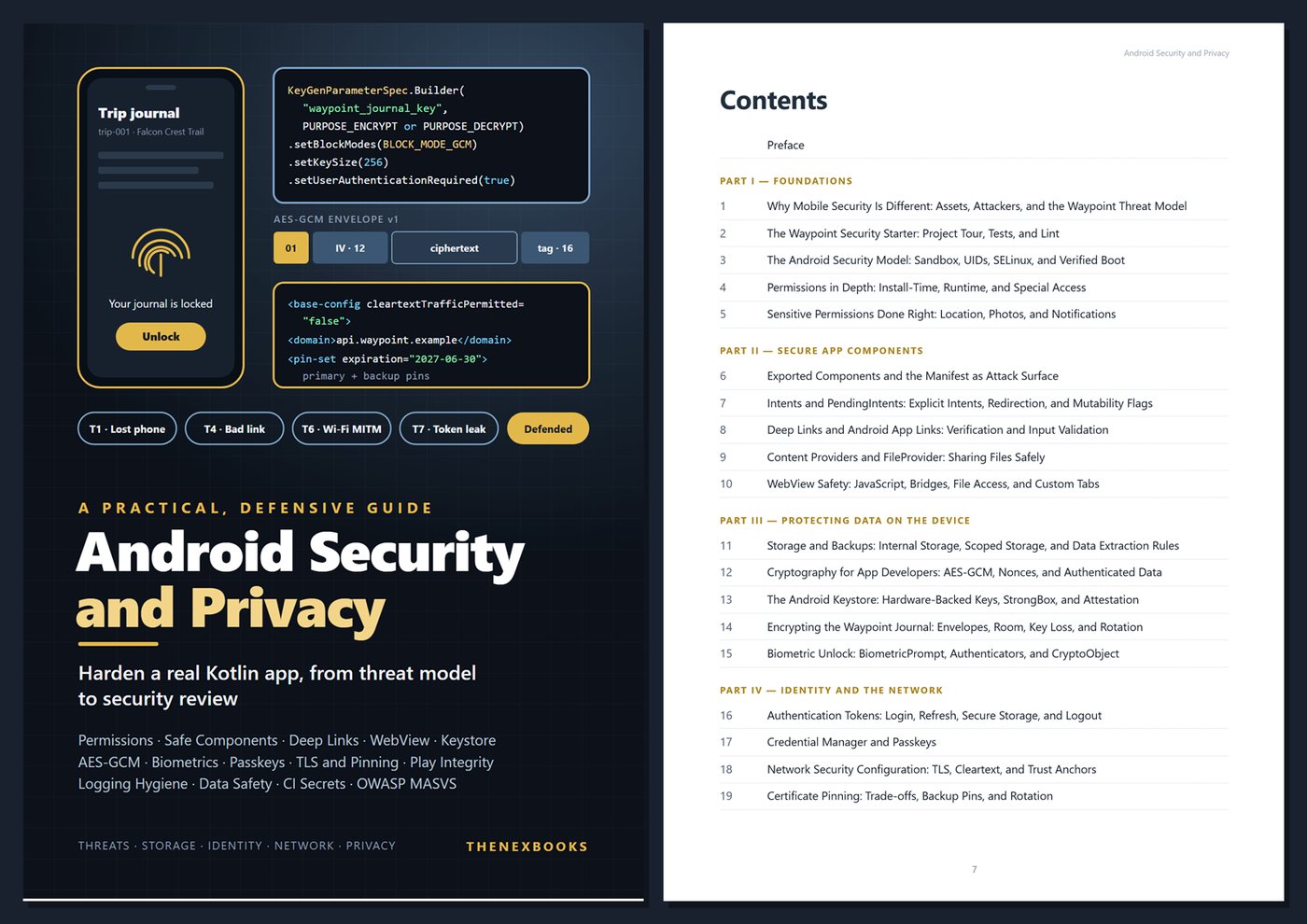
Table of Contents
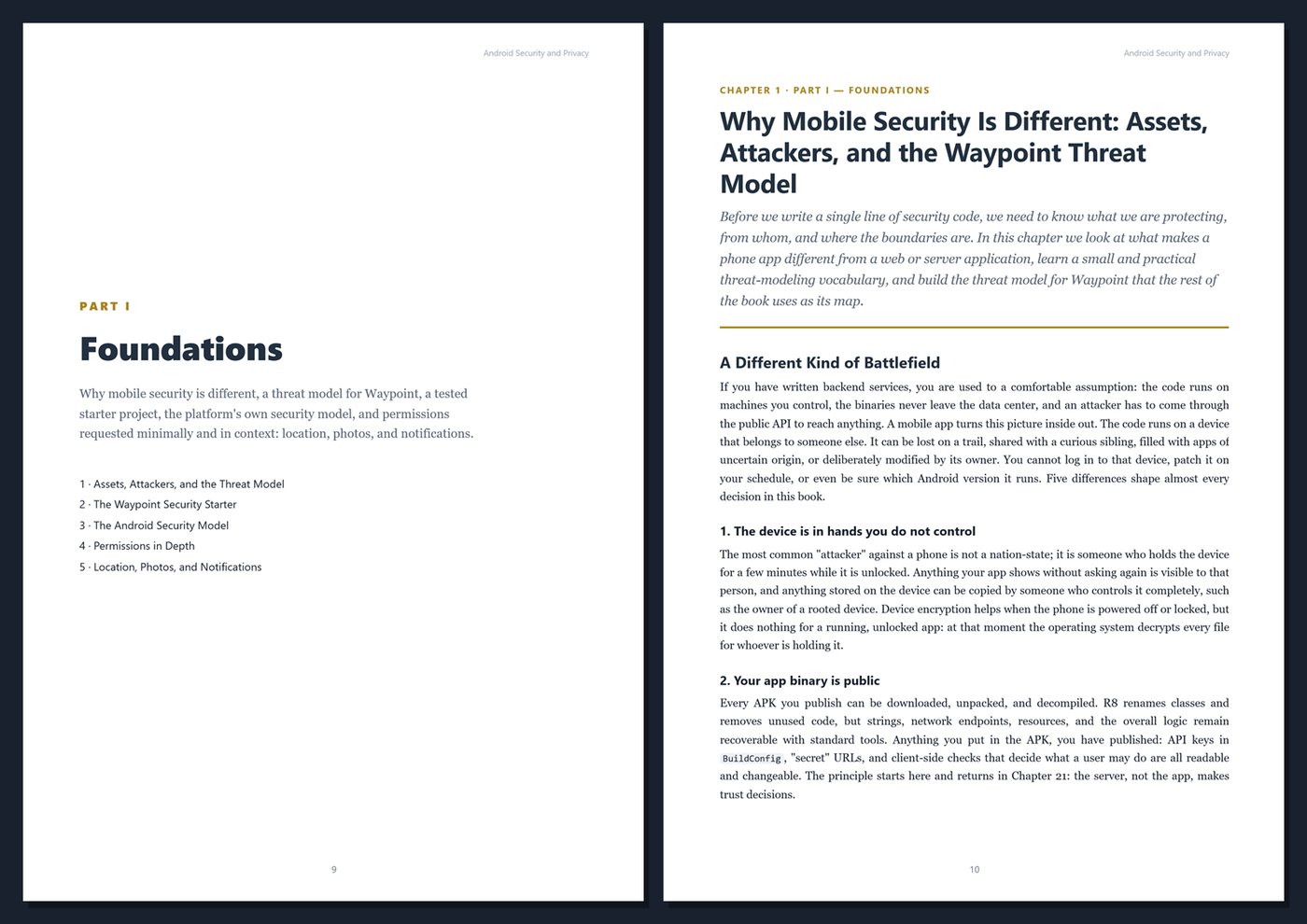
Part I — Foundations
- Ch 1 · Why Mobile Security Is Different: Assets, Attackers, and the Waypoint Threat Model
- Ch 2 · The Waypoint Security Starter: Project Tour, Tests, and Lint
- Ch 3 · The Android Security Model: Sandbox, UIDs, SELinux, and Verified Boot
- Ch 4 · Permissions in Depth: Install-Time, Runtime, and Special Access
- Ch 5 · Sensitive Permissions Done Right: Location, Photos, and Notifications
Part II — Secure App Components
- Ch 6 · Exported Components and the Manifest as Attack Surface
- Ch 7 · Intents and PendingIntents: Explicit Intents, Redirection, and Mutability Flags
- Ch 8 · Deep Links and Android App Links: Verification and Input Validation
- Ch 9 · Content Providers and FileProvider: Sharing Files Safely
- Ch 10 · WebView Safety: JavaScript, Bridges, File Access, and Custom Tabs
Part III — Protecting Data on the Device
- Ch 11 · Storage and Backups: Internal Storage, Scoped Storage, and Data Extraction Rules
- Ch 12 · Cryptography for App Developers: AES-GCM, Nonces, and Authenticated Data
- Ch 13 · The Android Keystore: Hardware-Backed Keys, StrongBox, and Attestation
- Ch 14 · Encrypting the Waypoint Journal: Envelopes, Room, Key Loss, and Rotation
- Ch 15 · Biometric Unlock: BiometricPrompt, Authenticators, and CryptoObject
Part IV — Identity and the Network
- Ch 16 · Authentication Tokens: Login, Refresh, Secure Storage, and Logout
- Ch 17 · Credential Manager and Passkeys
- Ch 18 · Network Security Configuration: TLS, Cleartext, and Trust Anchors
- Ch 19 · Certificate Pinning: Trade-offs, Backup Pins, and Rotation
- Ch 20 · Hardening API Calls: Interceptors, Token Scope, and Server-Side Trust
Part V — Hardening and App Integrity
- Ch 21 · R8, Obfuscation, and Secrets in the APK: What Shrinking Does and Does Not Protect
- Ch 22 · Tamper, Root, and Emulator Signals: What They Tell You and Their Limits
- Ch 23 · The Play Integrity API: Requests, Verdicts, and Server-Side Decisions
- Ch 24 · Logging Hygiene and Other Leaks: Logcat, Crash Reports, Screenshots, and the Clipboard
Part VI — Privacy and Security Engineering
- Ch 25 · Privacy by Design: Data Minimization, Location, Retention, and the Privacy Dashboard
- Ch 26 · Google Play Data Safety, Privacy Policies, and Account Deletion
- Ch 27 · Security in CI and Testing: Lint, Dependencies, Secrets, and Security Tests
- Ch 28 · The Waypoint Security Review: OWASP MASVS and MASTG Mapping
Appendices
A · Android Security Cheat Sheet
B · Templates and Reference
C · Production Security Checklist
D · Glossary
Book details
| Detail | |
|---|---|
| Pages | 428 |
| Format | PDF (A4) + Waypoint starter project (Gradle) |
| Language | English |
| Level | Intermediate to Advanced |
| Edition | 1st Edition (2026) |
| Download on this site | Free sample, first 20 pages (PDF) |
| Publisher | thenexbooks |
Files you get
No reviews yet. Only buyers can review.
More from thenexbooks