 1 / 11
Stop rebuilding the same Excel reports by hand. Learn Excel tables and modern formulas (XLOOKUP, FILTER, UNIQUE, LET, LAMBDA), Power Query for importing and cleaning CSV files, workbooks, and whole folders, the M language, parameters, custom functions, and error handling, PivotTables and the Data…
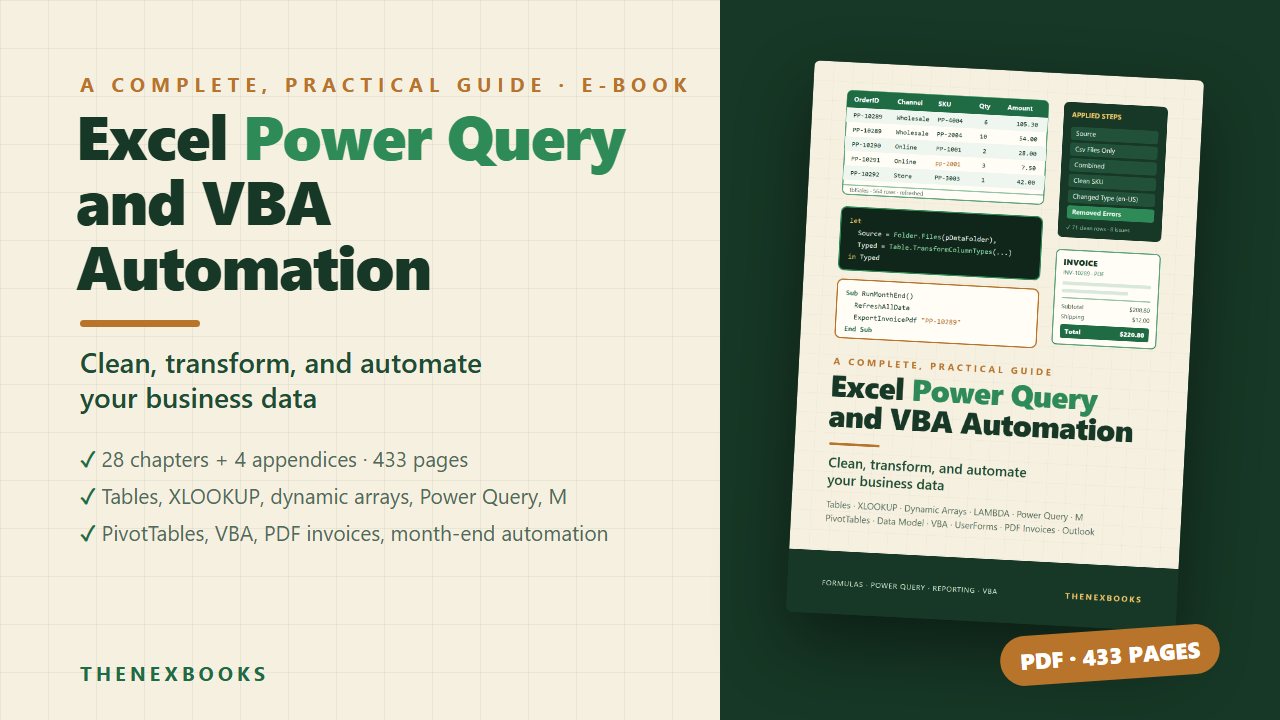
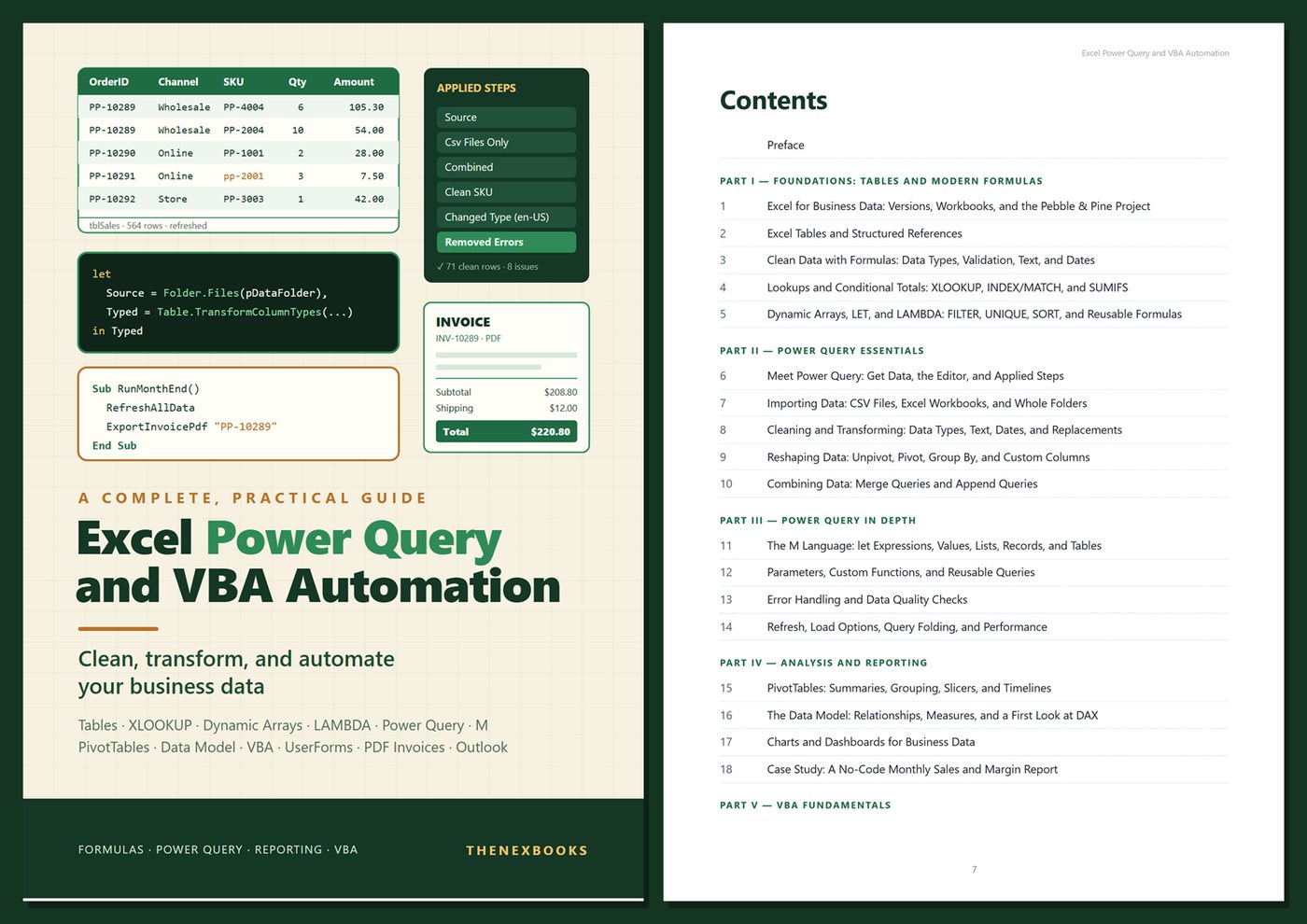
Clean, Transform, and Automate Your Business Data
Read before you buy: the PDF here is a free sample — the first 20 pages of the 433-page book (payments, sales and reviews on this demo site are sample data). Get the full e-book at thenexbooks on Gumroad.
Turn a monthly afternoon of copy, paste, and fix into one click.
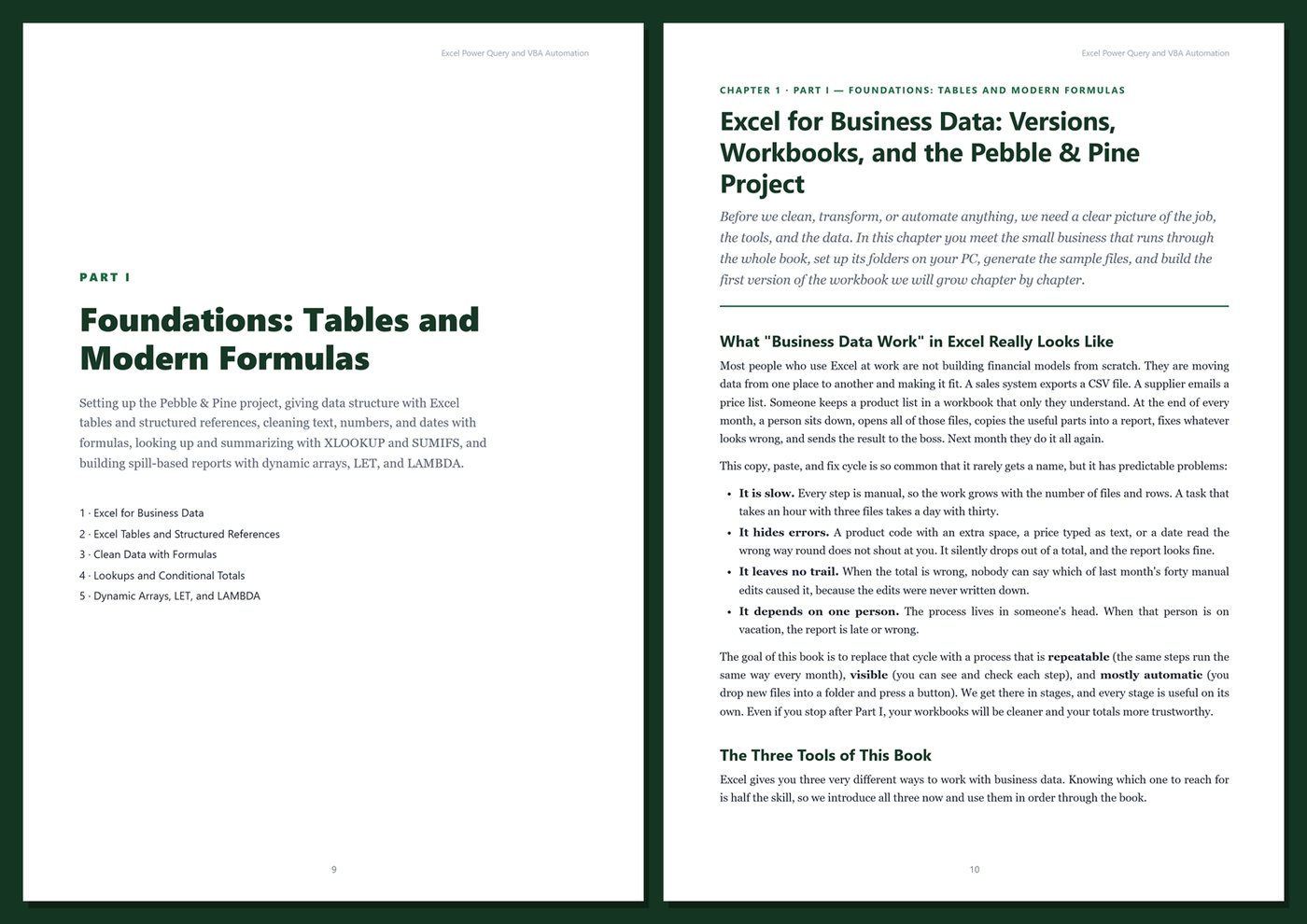
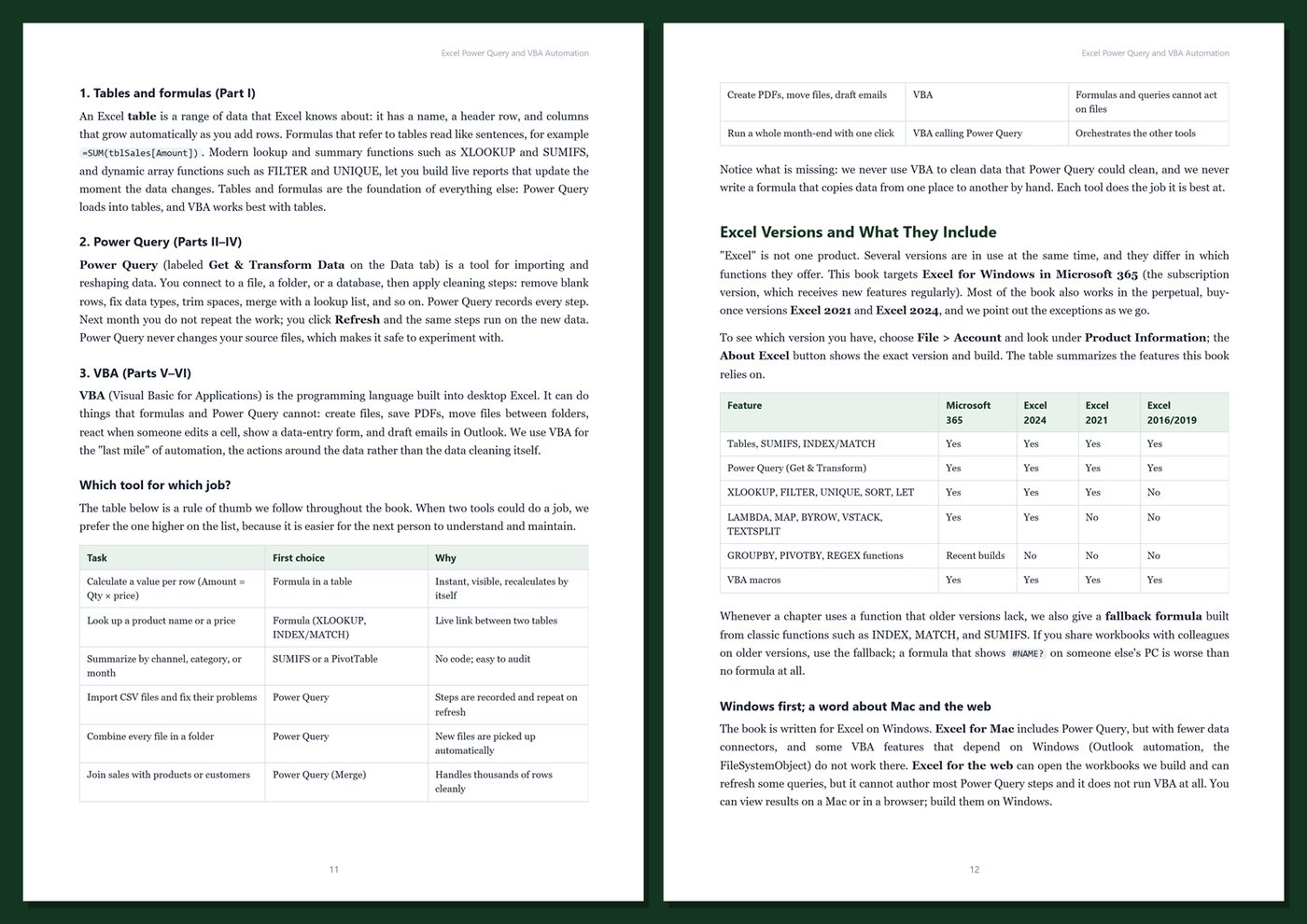
Every month the same files arrive: a sales export, supplier price lists in slightly different shapes, inventory counts, orders that need invoices. Someone copies, trims, looks things up, builds a summary, prints documents, and emails them — and next month does it all again. Excel already contains everything needed to stop doing that work manually: tables and modern formulas give your data structure, Power Query records every cleaning step once and replays it on next month's files, and VBA automates the rest, from PDF invoices to a complete month-end routine.
This book teaches all three in the order you need them, using one realistic business from start to finish. Each feature appears at the moment it solves a real problem in the data, and every step is explained, so you can apply the same ideas to your own files right away. No programming experience is required.
What's inside
- Excel tables, structured references, calculated columns, and the design rules that keep data reliable
- Cleaning data with formulas: text, numbers stored as text, dates, data validation, and Flash Fill
- Lookups and summaries with XLOOKUP, INDEX/MATCH, SUMIFS, and COUNTIFS — including the traps that give wrong totals
- Dynamic arrays (FILTER, UNIQUE, SORT, SEQUENCE), LET for readable formulas, and LAMBDA for reusable ones, with fallbacks for older versions
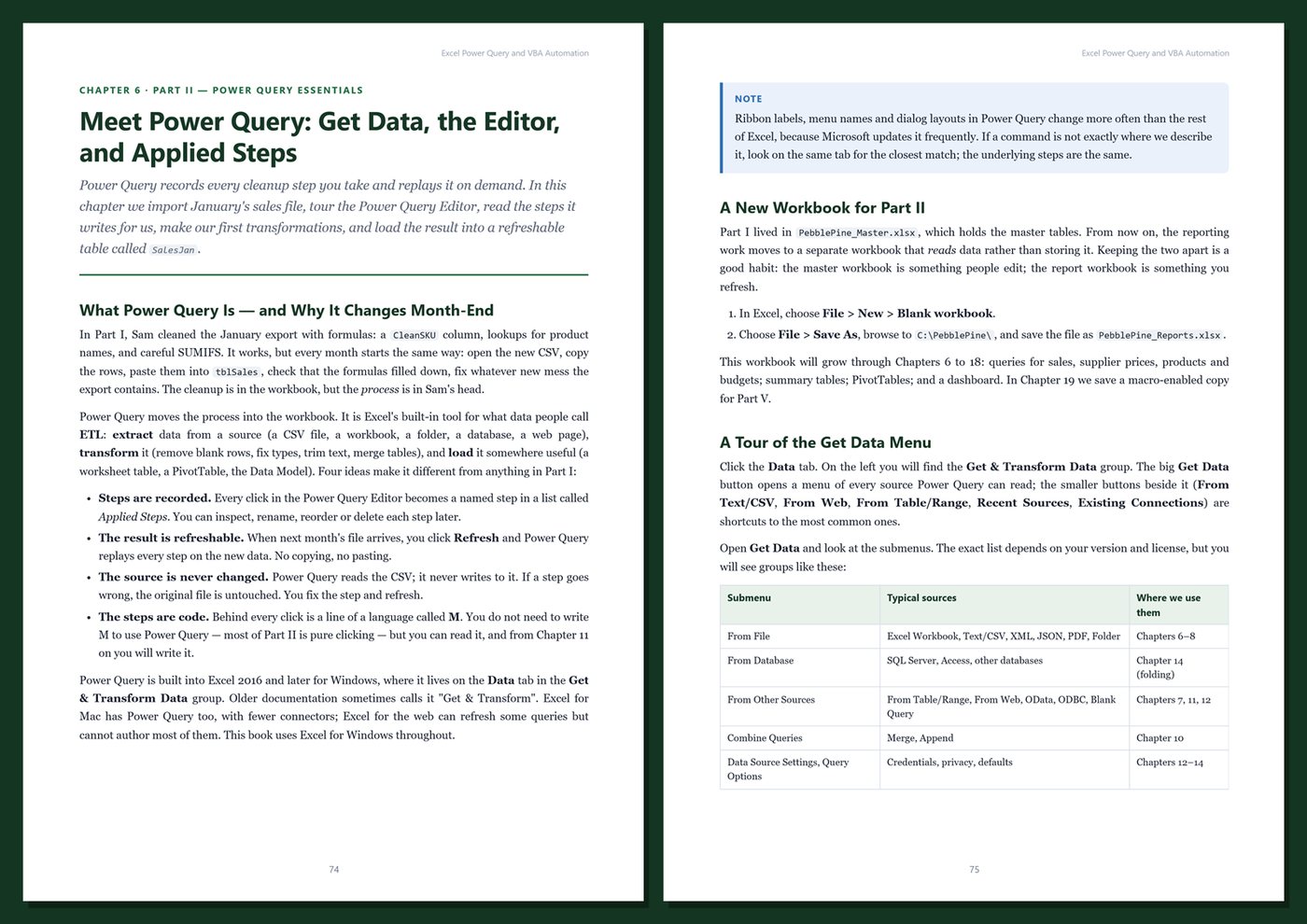
- Power Query from scratch: importing CSV files, Excel workbooks, and whole folders; the editor and applied steps
- Cleaning and reshaping with Power Query: data types and locales, replacements, unpivot, pivot, group by, custom columns, merges, and appends
- The M language explained: let expressions, lists, records, tables, each, try/otherwise, parameters, and custom functions
- Error handling and data-quality reports that catch problems before they reach your numbers
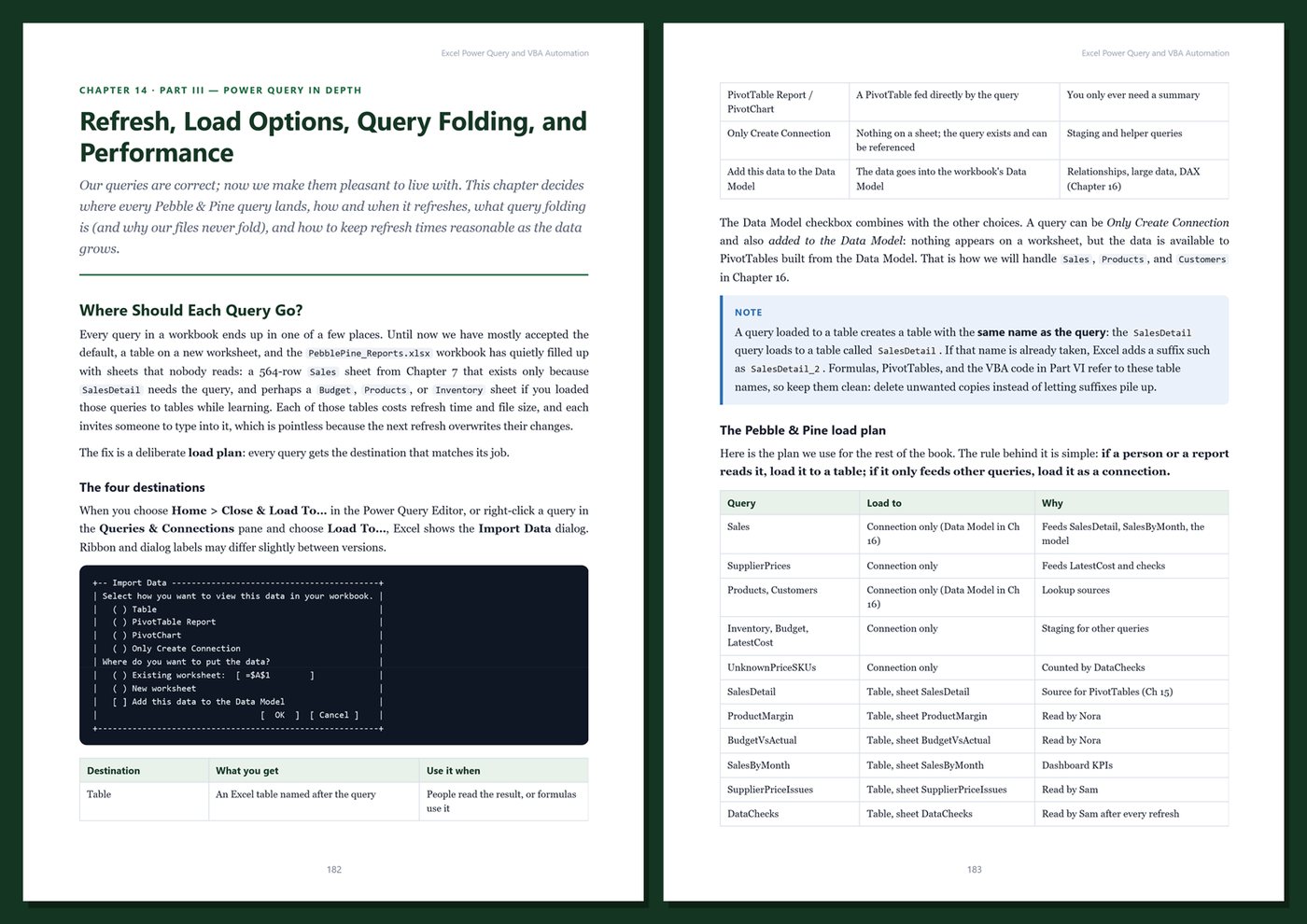
- Refresh options, load destinations, query folding, and practical performance habits
- PivotTables, slicers, timelines, the Data Model, relationships, and DAX measures, plus charts and dashboards
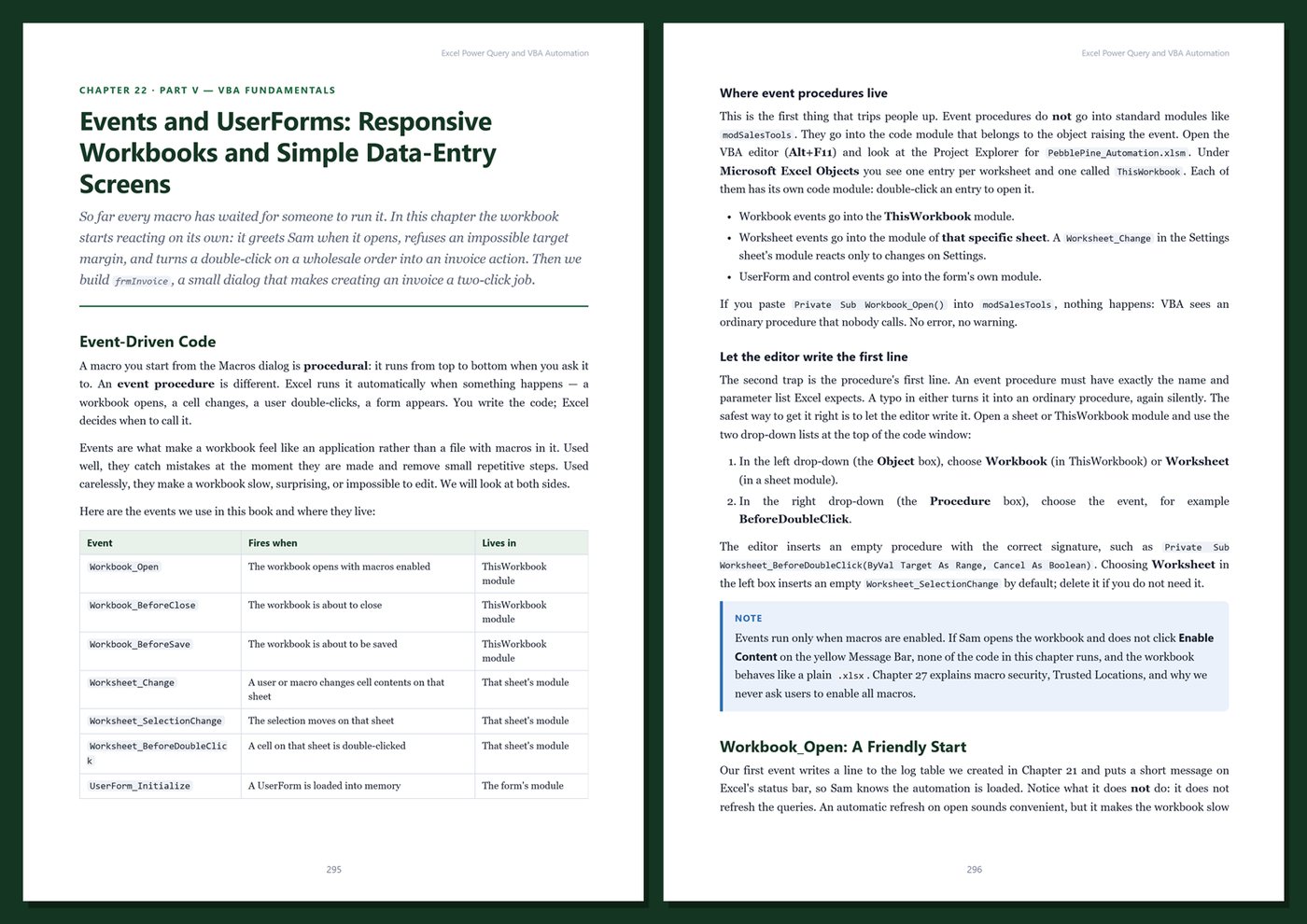
- VBA from the first recorded macro: variables, procedures, loops, the Excel object model, events, UserForms, error handling, arrays, and speed
- Files and folders, invoice generation, PDF export, Outlook emails, refreshing Power Query from VBA, logging, macro security, Mark of the Web, and Office Scripts
- A capstone month-end automation that refreshes data, checks quality, creates invoices, exports a report, and prepares emails
One running example, start to finish. You work with Pebble & Pine Stationery, a fictional small shop with a walk-in store, an online store, and a few wholesale customers. Its monthly sales exports, messy supplier price lists (dollar signs, US-style dates, lowercase codes, duplicates, footer rows), product master, inventory counts, and budget become a refreshable reporting workbook and finally a one-click month-end process. A short script in the appendix creates every sample file on your computer, so your results match the book exactly.
Current and honest. The book targets Excel for Windows in Microsoft 365 and notes where Excel 2021 and Excel 2024 differ, with alternatives when a function needs a newer version. It contains no invented benchmarks or statistics. Every chapter includes step-by-step instructions, formulas, M code, VBA, Tips, Notes, Warnings, exercises, and Key Takeaways, and the appendices give you a cheat sheet, copy-ready templates, a production checklist, and a glossary.
Format: PDF, 433 pages (A4), linked table of contents and bookmarks. English. First Edition, 2026. Published by thenexbooks. Examples are written for Excel for Windows. This book is independent and is not affiliated with, sponsored by, or endorsed by Microsoft Corporation.
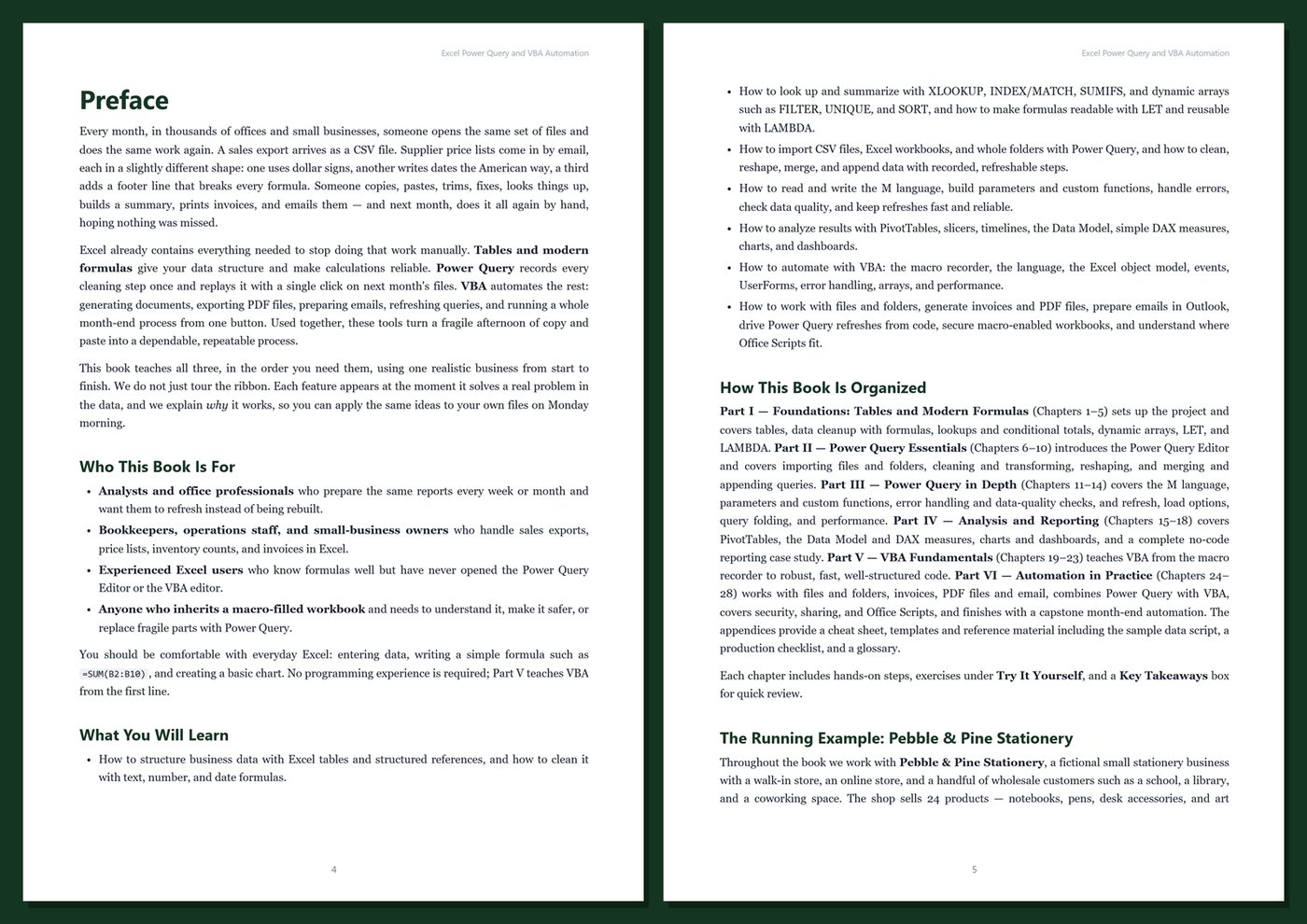
Table of Contents
Part I — Foundations: Tables and Modern Formulas
- Ch 1 · Excel for Business Data: Versions, Workbooks, and the Pebble & Pine Project
- Ch 2 · Excel Tables and Structured References
- Ch 3 · Clean Data with Formulas: Data Types, Validation, Text, and Dates
- Ch 4 · Lookups and Conditional Totals: XLOOKUP, INDEX/MATCH, and SUMIFS
- Ch 5 · Dynamic Arrays, LET, and LAMBDA: FILTER, UNIQUE, SORT, and Reusable Formulas
Part II — Power Query Essentials
- Ch 6 · Meet Power Query: Get Data, the Editor, and Applied Steps
- Ch 7 · Importing Data: CSV Files, Excel Workbooks, and Whole Folders
- Ch 8 · Cleaning and Transforming: Data Types, Text, Dates, and Replacements
- Ch 9 · Reshaping Data: Unpivot, Pivot, Group By, and Custom Columns
- Ch 10 · Combining Data: Merge Queries and Append Queries
Part III — Power Query in Depth
- Ch 11 · The M Language: let Expressions, Values, Lists, Records, and Tables
- Ch 12 · Parameters, Custom Functions, and Reusable Queries
- Ch 13 · Error Handling and Data Quality Checks
- Ch 14 · Refresh, Load Options, Query Folding, and Performance
Part IV — Analysis and Reporting
- Ch 15 · PivotTables: Summaries, Grouping, Slicers, and Timelines
- Ch 16 · The Data Model: Relationships, Measures, and a First Look at DAX
- Ch 17 · Charts and Dashboards for Business Data
- Ch 18 · Case Study: A No-Code Monthly Sales and Margin Report
Part V — VBA Fundamentals
- Ch 19 · Getting Started with VBA: The Macro Recorder, the Editor, and Macro-Enabled Workbooks
- Ch 20 · VBA Language Essentials: Variables, Procedures, Decisions, Loops, and Debugging
- Ch 21 · The Excel Object Model: Workbooks, Worksheets, Ranges, and Tables
- Ch 22 · Events and UserForms: Responsive Workbooks and Simple Data-Entry Screens
- Ch 23 · Robust VBA: Error Handling, Arrays, and Performance
Part VI — Automation in Practice
- Ch 24 · Working with Files and Folders: Dir, FileSystemObject, and Batch Processing
- Ch 25 · Invoices, PDFs, and Email: Generating and Sending Business Documents
- Ch 26 · Power Query Meets VBA: Refresh Automation, Parameters, and Logging
- Ch 27 · Security, Sharing, and Office Scripts
- Ch 28 · Capstone: The Pebble & Pine Month-End Automation
Appendices
A · Excel Power Query and VBA Cheat Sheet
B · Templates, Reference, and the Sample Data Script
C · Production Checklist
D · Glossary
Book details
| Detail | |
|---|---|
| Pages | 433 |
| Format | PDF (A4) |
| Language | English |
| Level | Beginner to Intermediate |
| Edition | 1st Edition (2026) |
| Download on this site | Free sample, first 20 pages (PDF) |
| Publisher | thenexbooks |
Files you get
No reviews yet. Only buyers can review.
More from thenexbooks