 1 / 11
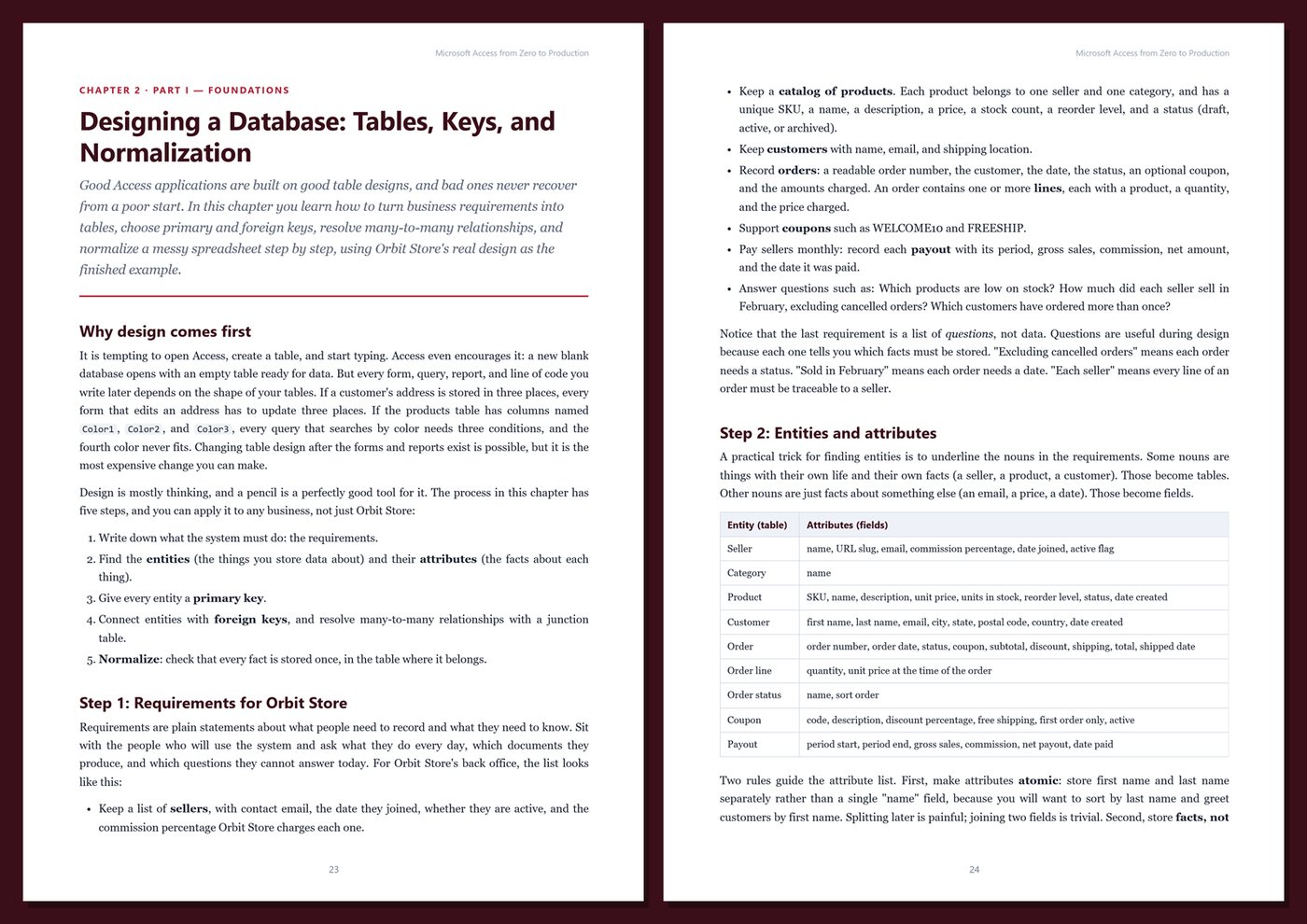
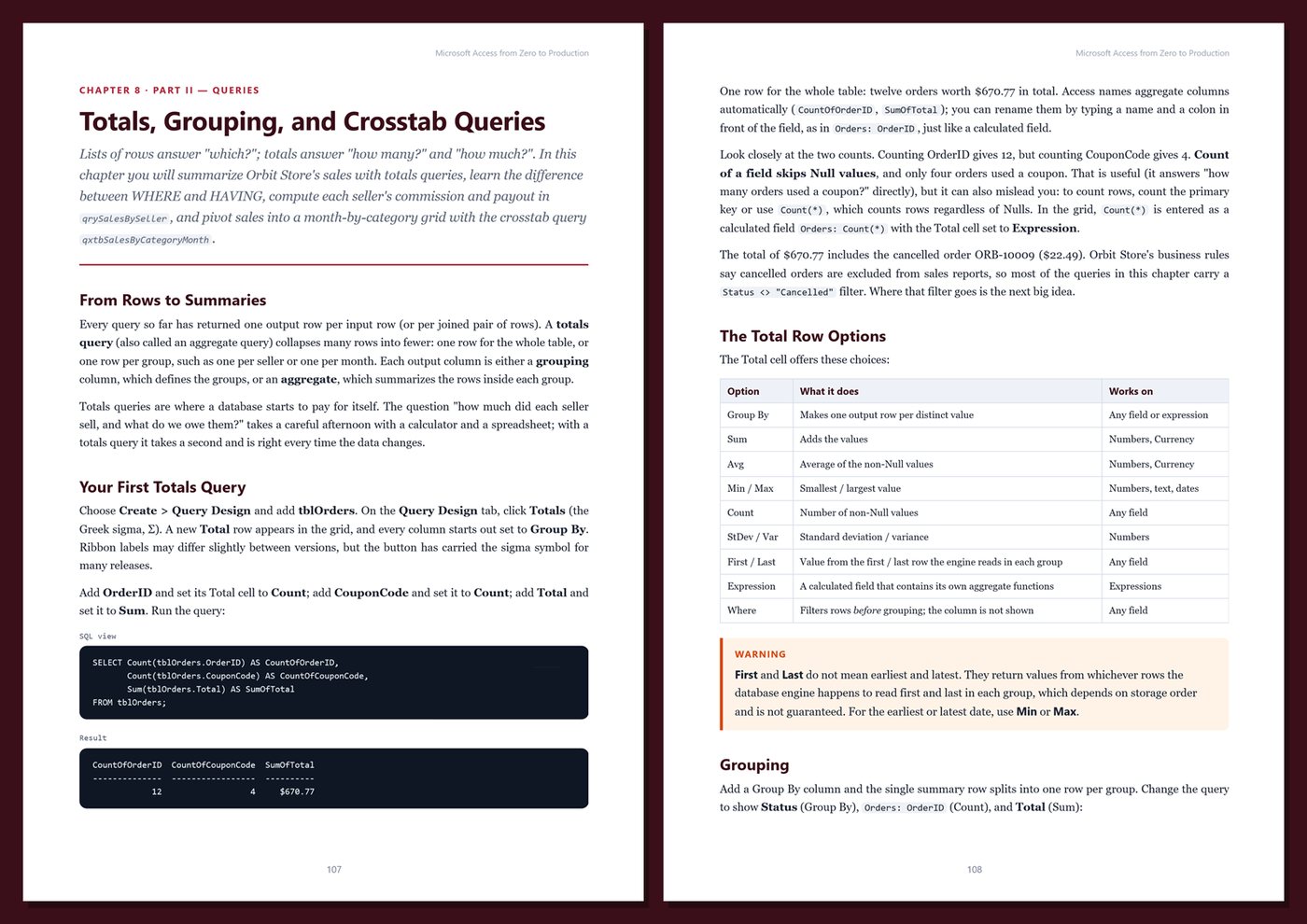
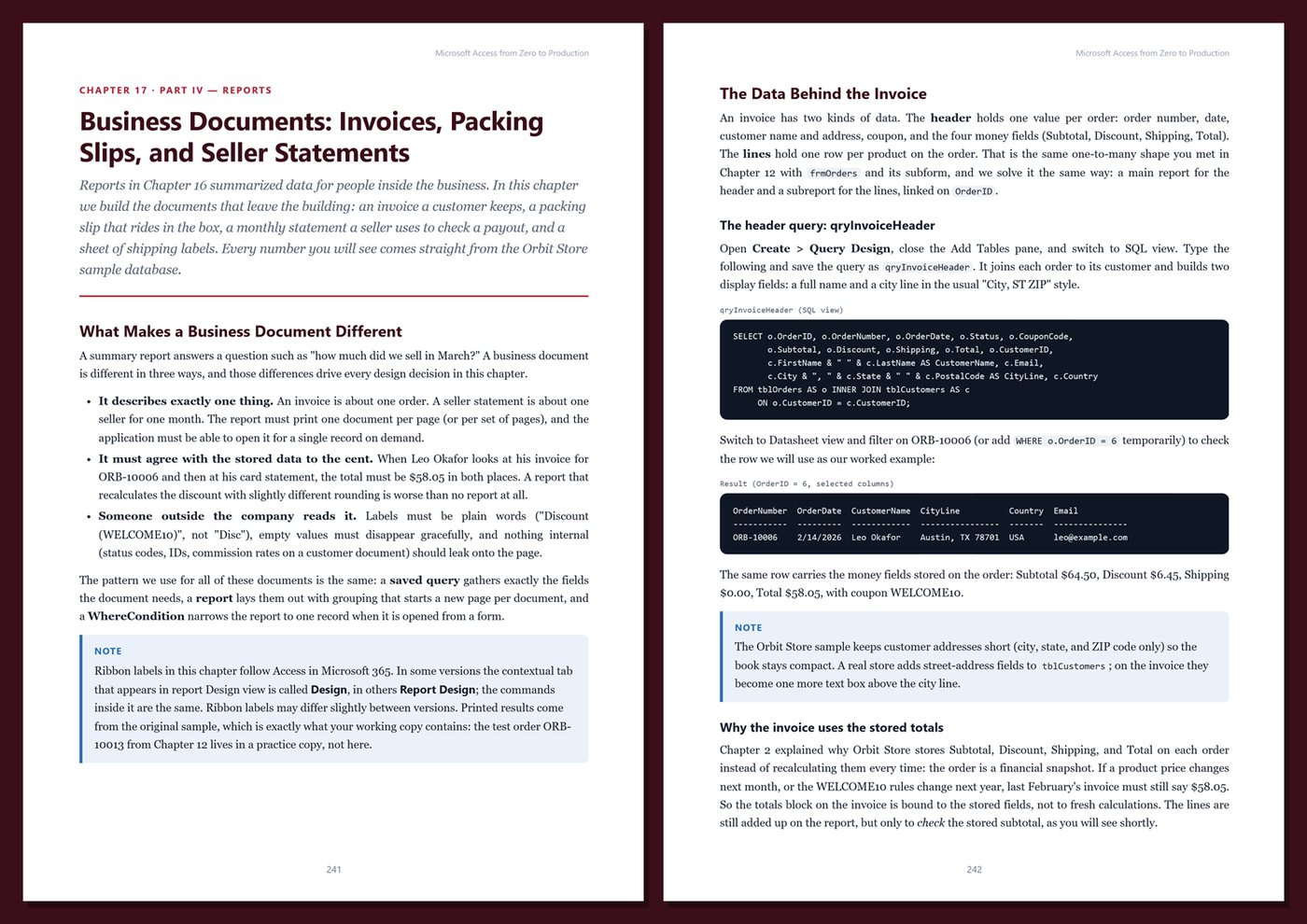
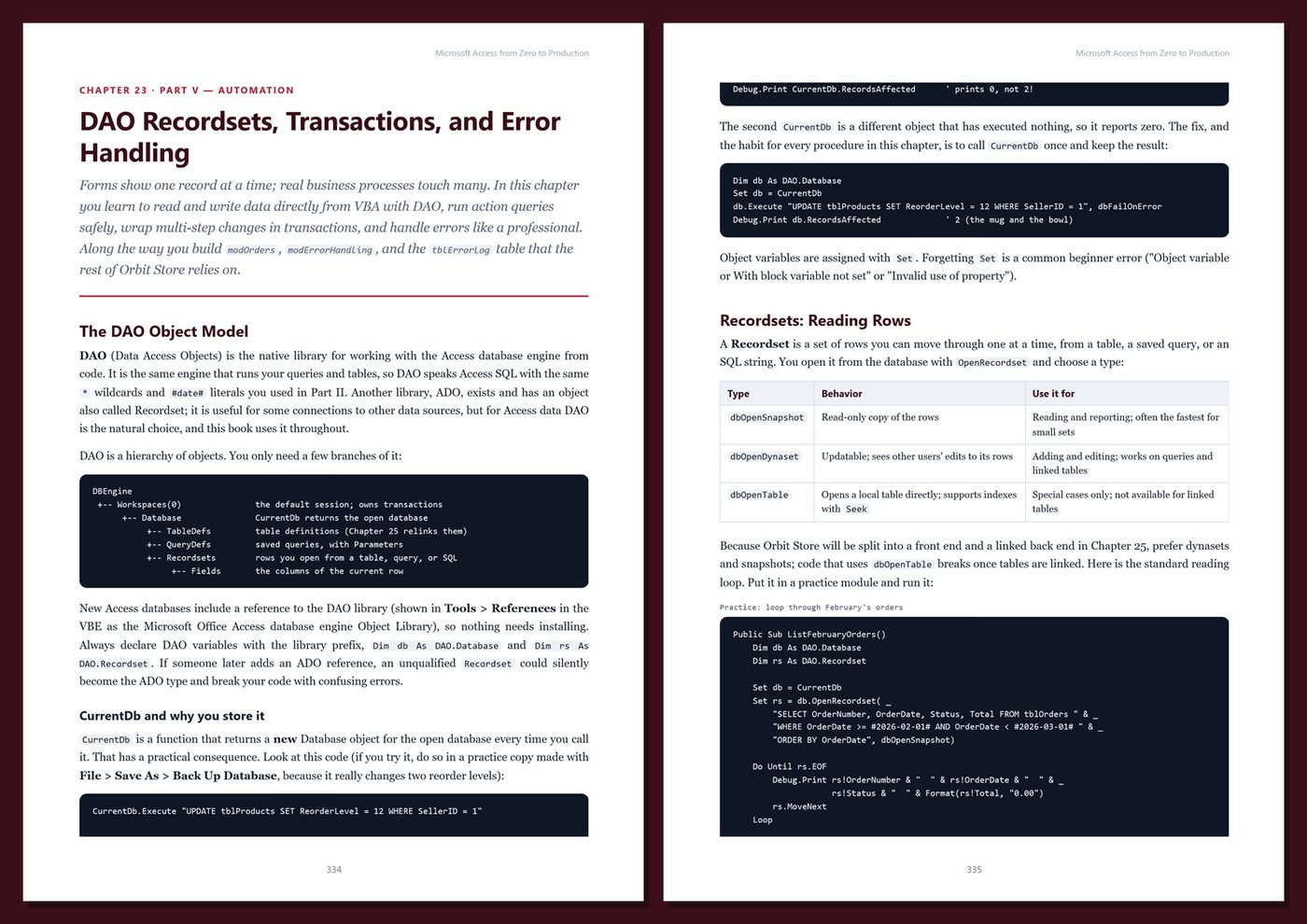
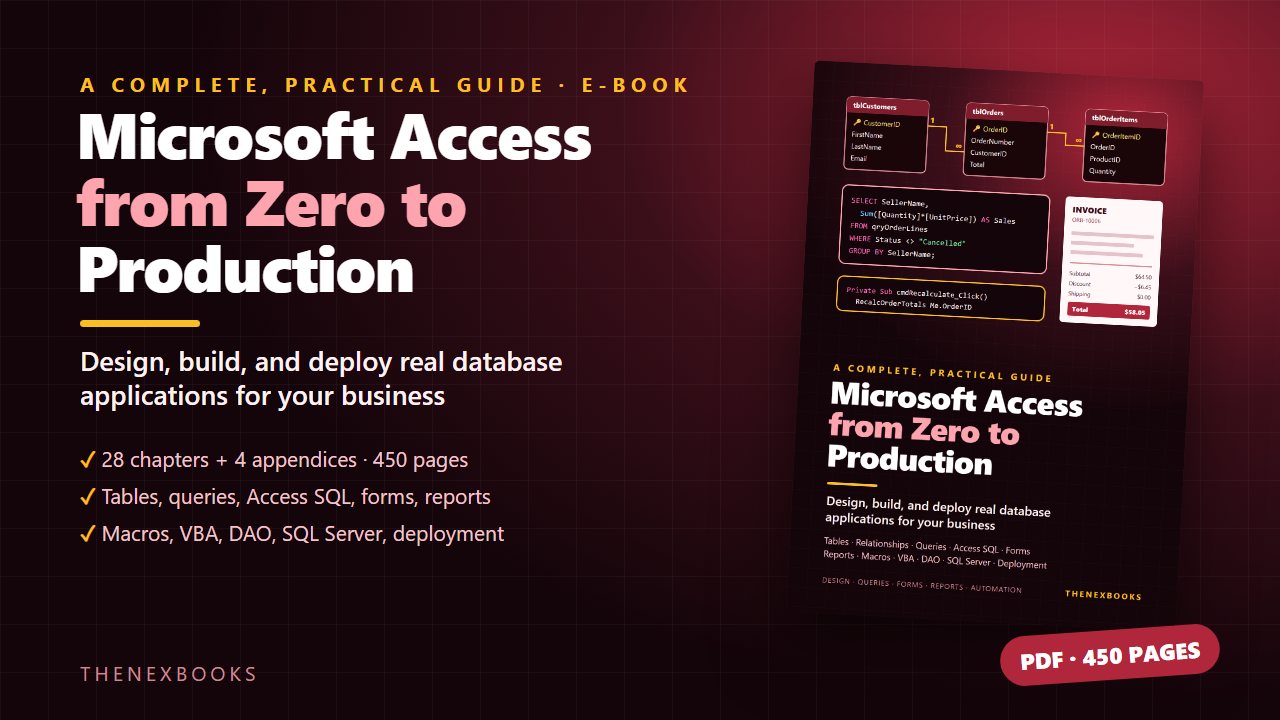
Learn Microsoft Access from zero and build a complete back-office database application: database design and normalization, tables and validation, relationships, queries and Access SQL, totals and crosstabs, forms and subforms, reports and invoices, charts and dashboards, macros and data macros…
Build Real Database Applications with Tables, Queries, Forms, Reports, and VBA
Read before you buy: the PDF here is a free sample — the first 20 pages of the 450-page book (payments, sales and reviews on this demo site are sample data). Get the full e-book at thenexbooks on Gumroad.
Learn Access the right way, from your first table to a multi-user application your team relies on.
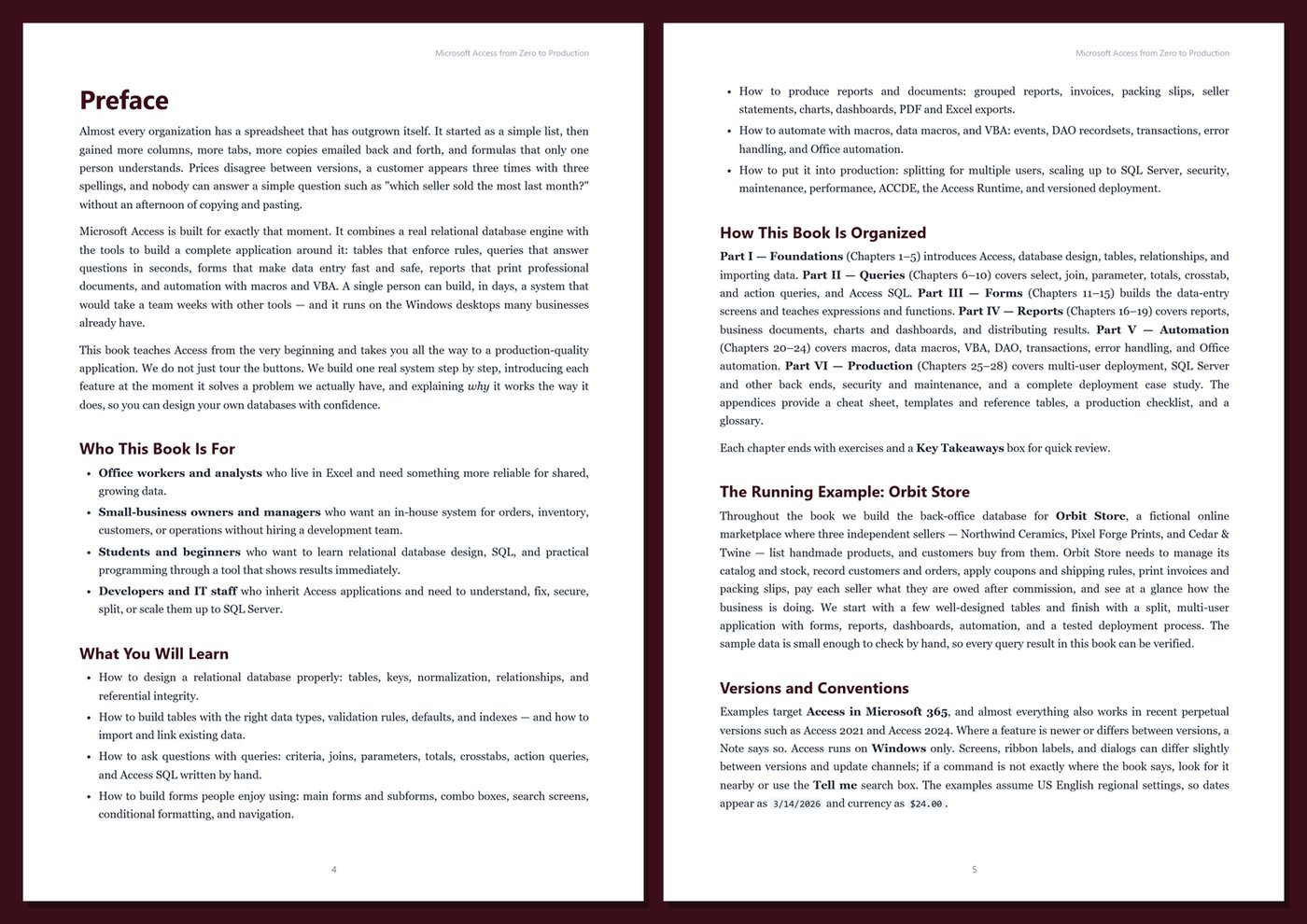
Almost every organization has a spreadsheet that has outgrown itself: copies emailed back and forth, customers listed three times, totals nobody trusts. Microsoft Access combines a real relational database engine with everything you need to build an application around it — tables that enforce rules, queries that answer questions in seconds, forms that make data entry fast and safe, reports that print professional documents, and automation with macros and VBA.
This book teaches Access from the very beginning and takes you all the way to production. You build one real system step by step, and each feature appears at the moment it solves a problem you actually have, so you learn how to design your own databases, not just where the buttons are.
What's inside
- What Access is good at (and where its limits are), the Access window, and how to plan a database before you build it
- Relational design in plain language: primary and foreign keys, one-to-many and many-to-many, and normalization with real examples
- Tables done right: data types, Currency for money, field properties, validation rules, defaults, indexes, and why to avoid lookup and multivalued fields
- Relationships and referential integrity, cascade options, and importing, exporting, and linking Excel, CSV, and other databases
- Queries: criteria, calculated fields, joins, parameters, totals, crosstabs, action queries, and writing Access SQL by hand with subqueries and UNION
- Forms people enjoy using: main forms and subforms for order entry, combo boxes, cascading lookups, validation, search screens, conditional formatting, and navigation
- Expressions and functions: IIf, Nz, dates, rounding traps, and domain aggregates such as DLookup and DSum
- Reports and documents: grouping and totals, invoices, packing slips, seller statements, modern charts, dashboards, PDF and Excel export, and email
- Automation: macros, data macros, VBA from first principles, form and report events, DAO recordsets, transactions, and solid error handling
- Office automation with Excel, Outlook, and Word, plus files and folders
- Production: splitting front end and back end, linked tables and relinking, locking, scaling up to SQL Server, security, backups, Compact & Repair, performance, ACCDE, the Access Runtime, and versioned deployment
One running example, start to finish. You build the back office for Orbit Store, a fictional online marketplace with three independent sellers, a product catalog, customers, orders, coupons, shipping rules, and seller commissions. It starts as a few well-designed tables and becomes a split, multi-user application with order entry, invoices, seller statements and payouts, dashboards, automation, and a tested deployment process. The sample data is small enough to check by hand — every query result in the book was produced by running the SQL against the real sample database.
Current and honest. The book targets Access in Microsoft 365 and notes where recent perpetual versions such as Access 2021 and Access 2024 differ. It contains no invented benchmarks or statistics. Every chapter includes step-by-step instructions, SQL and VBA, Tips, Notes, Warnings, exercises, and Key Takeaways, and the appendices give you a cheat sheet, templates and reference tables, a production checklist, and a glossary.
Format: PDF, 450 pages (A4), linked table of contents and bookmarks. English. First Edition, 2026. Published by thenexbooks. Microsoft Access runs on Windows. This book is independent and is not affiliated with, sponsored by, or endorsed by Microsoft Corporation.
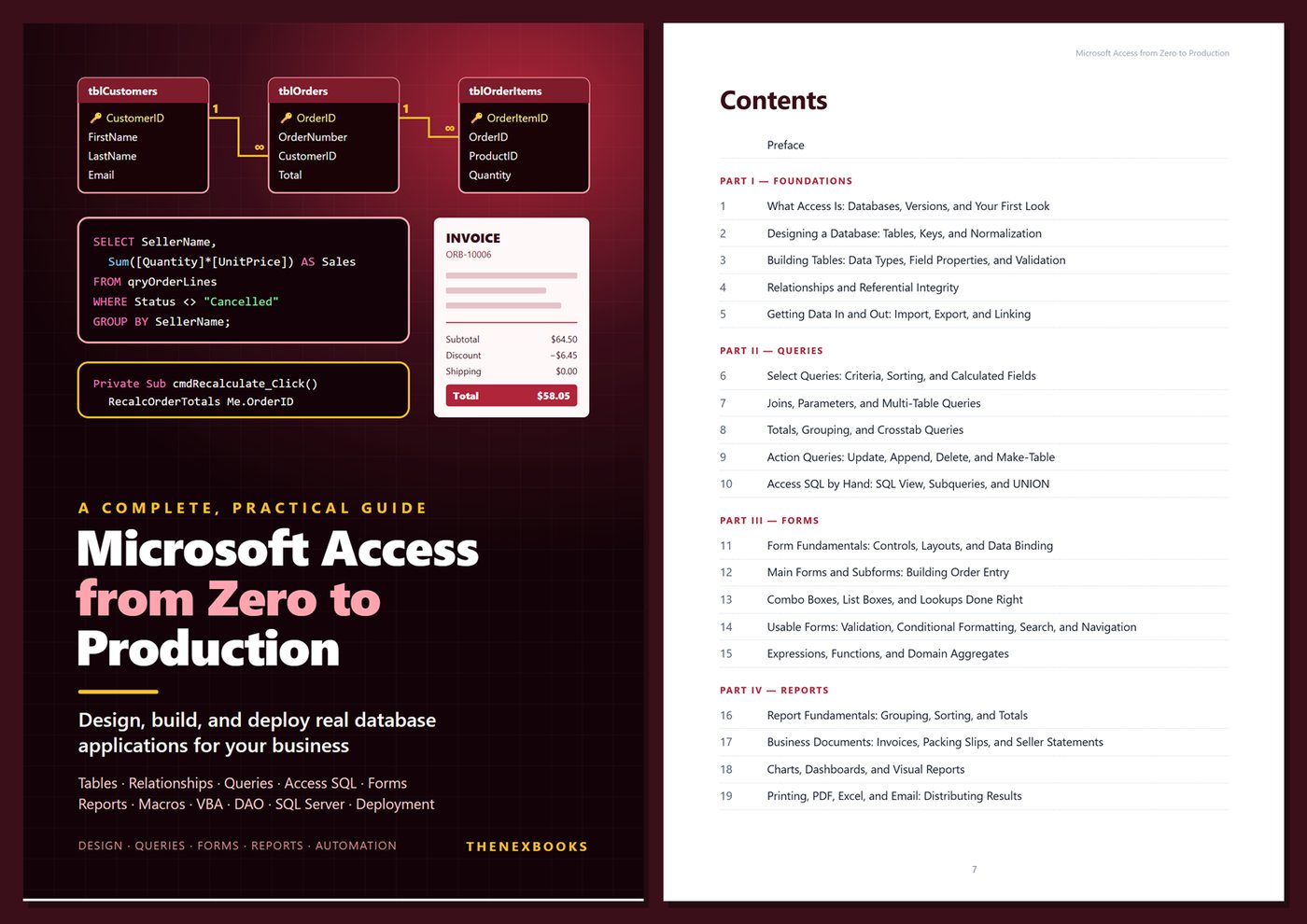
Table of Contents
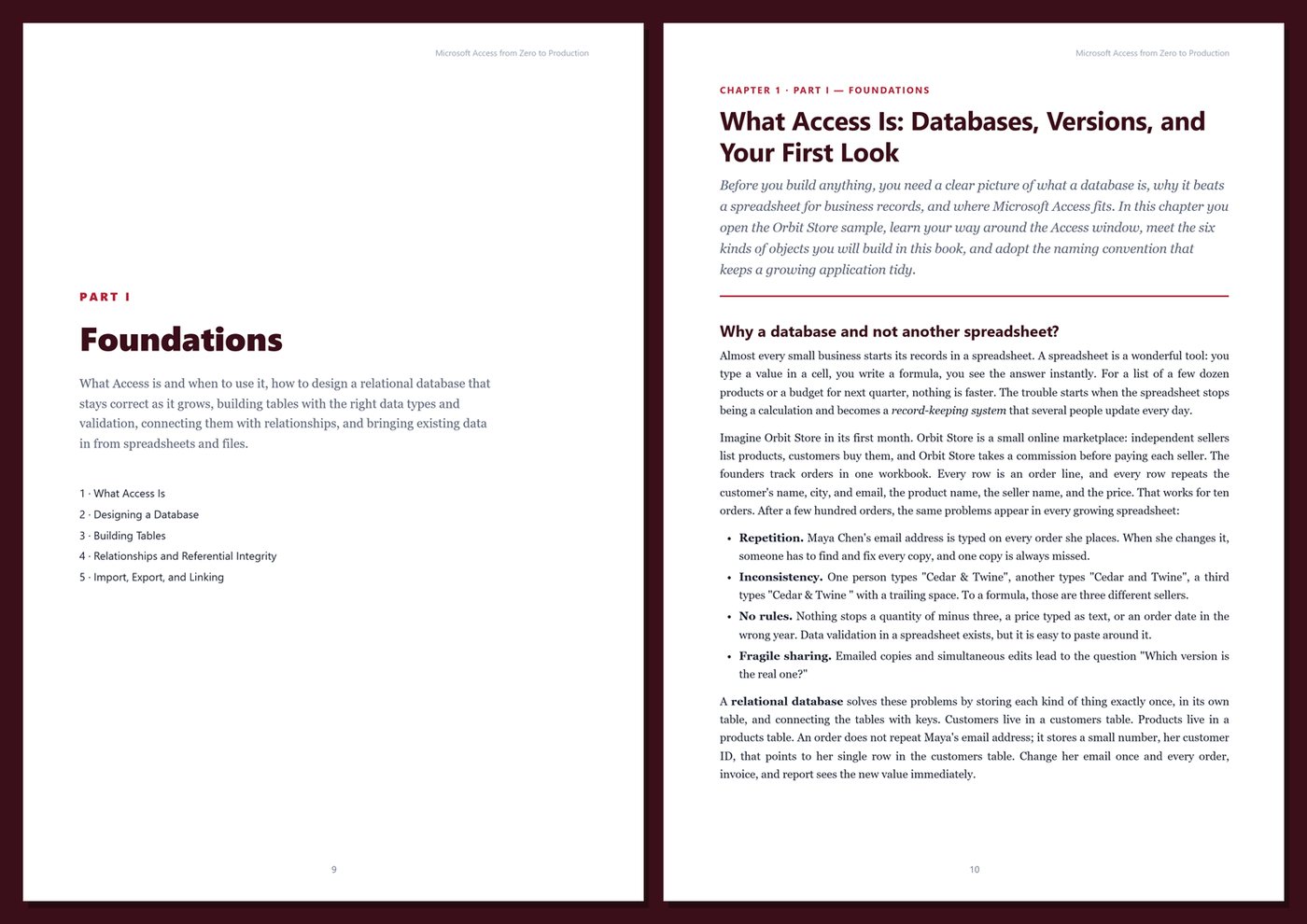
Part I — Foundations
- Ch 1 · What Access Is: Databases, Versions, and Your First Look
- Ch 2 · Designing a Database: Tables, Keys, and Normalization
- Ch 3 · Building Tables: Data Types, Field Properties, and Validation
- Ch 4 · Relationships and Referential Integrity
- Ch 5 · Getting Data In and Out: Import, Export, and Linking
Part II — Queries
- Ch 6 · Select Queries: Criteria, Sorting, and Calculated Fields
- Ch 7 · Joins, Parameters, and Multi-Table Queries
- Ch 8 · Totals, Grouping, and Crosstab Queries
- Ch 9 · Action Queries: Update, Append, Delete, and Make-Table
- Ch 10 · Access SQL by Hand: SQL View, Subqueries, and UNION
Part III — Forms
- Ch 11 · Form Fundamentals: Controls, Layouts, and Data Binding
- Ch 12 · Main Forms and Subforms: Building Order Entry
- Ch 13 · Combo Boxes, List Boxes, and Lookups Done Right
- Ch 14 · Usable Forms: Validation, Conditional Formatting, Search, and Navigation
- Ch 15 · Expressions, Functions, and Domain Aggregates
Part IV — Reports
- Ch 16 · Report Fundamentals: Grouping, Sorting, and Totals
- Ch 17 · Business Documents: Invoices, Packing Slips, and Seller Statements
- Ch 18 · Charts, Dashboards, and Visual Reports
- Ch 19 · Printing, PDF, Excel, and Email: Distributing Results
Part V — Automation
- Ch 20 · Macros and Data Macros
- Ch 21 · VBA Fundamentals: Modules, Variables, Procedures, and Debugging
- Ch 22 · VBA with Forms and Reports: Events and the Object Model
- Ch 23 · DAO Recordsets, Transactions, and Error Handling
- Ch 24 · Automating Office and Files: Excel, Outlook, Word, and the File System
Part VI — Production
- Ch 25 · Multi-User Access: Splitting, Linked Tables, and Locking
- Ch 26 · Scaling Up: Access with SQL Server, SharePoint, and Dataverse
- Ch 27 · Security, Maintenance, and Performance
- Ch 28 · Deployment and Case Study: ACCDE, Runtime, Versioning, and the Orbit Store Back Office
Appendices
A · Access Cheat Sheet
B · Templates and Reference
C · Production Checklist
D · Glossary
Book details
| Detail | |
|---|---|
| Pages | 450 |
| Format | PDF (A4) |
| Language | English |
| Level | Beginner to Intermediate |
| Edition | 1st Edition (2026) |
| Download on this site | Free sample, first 20 pages (PDF) |
| Publisher | thenexbooks |
Files you get
No reviews yet. Only buyers can review.
More from thenexbooks