 1 / 11
Learn Power Apps and Power Automate from zero and build a complete expense-claim and approval system: planning a business app, SharePoint lists, canvas apps and Power Fx, galleries and delegation, forms and Patch, responsive layouts and components, cloud flows and expressions, error handling…
Build Low-Code Business Apps and Workflows with Power Fx, SharePoint, Dataverse, and Approvals
Read before you buy: the PDF here is a free sample — the first 20 pages of the 411-page book (payments, sales and reviews on this demo site are sample data). Get the full e-book at thenexbooks on Gumroad.
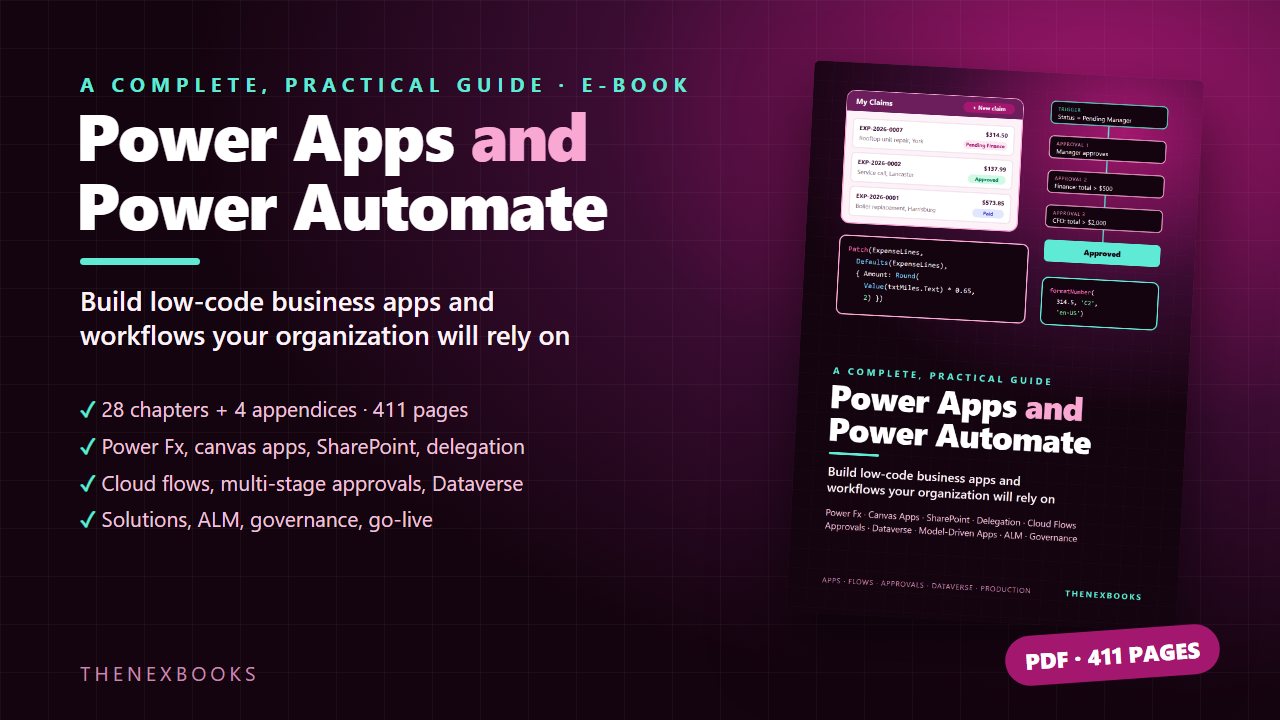
Build business apps and automated workflows the professional way — from your first list to a governed solution in production.
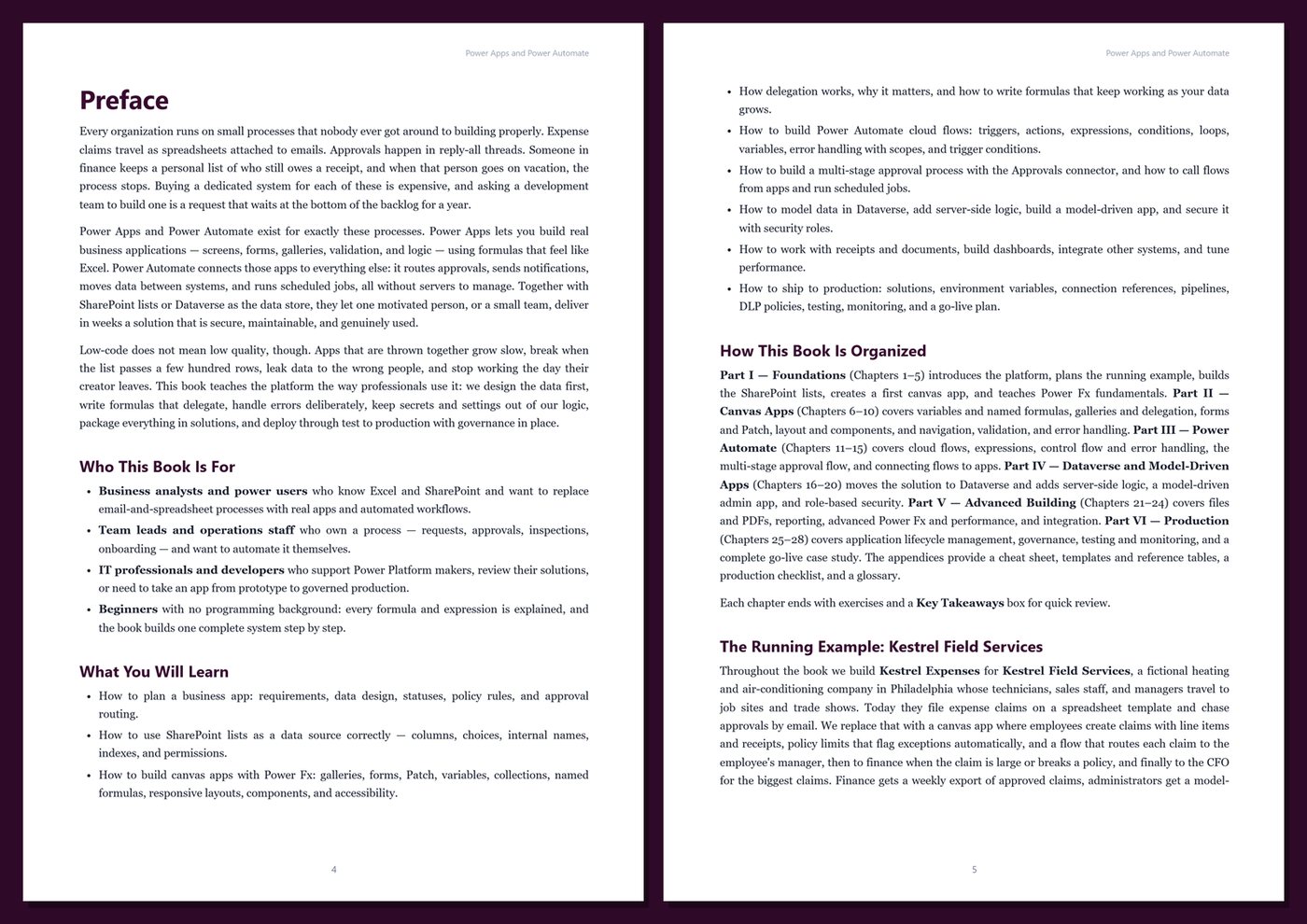
Every organization has processes that run on spreadsheets, email threads, and someone's memory: expense claims, requests, approvals, inspections. Power Apps lets you build real apps for them with formulas that feel like Excel, and Power Automate connects those apps to approvals, notifications, and other systems — without servers to manage. But apps that are thrown together slow down, break as data grows, and stop working when their creator leaves.
This book teaches the platform the way professionals use it. You build one complete system step by step, and each feature appears at the moment it solves a real problem: design the data first, write formulas that delegate, handle errors deliberately, keep settings out of your logic, and ship through test to production with governance in place.
What's inside
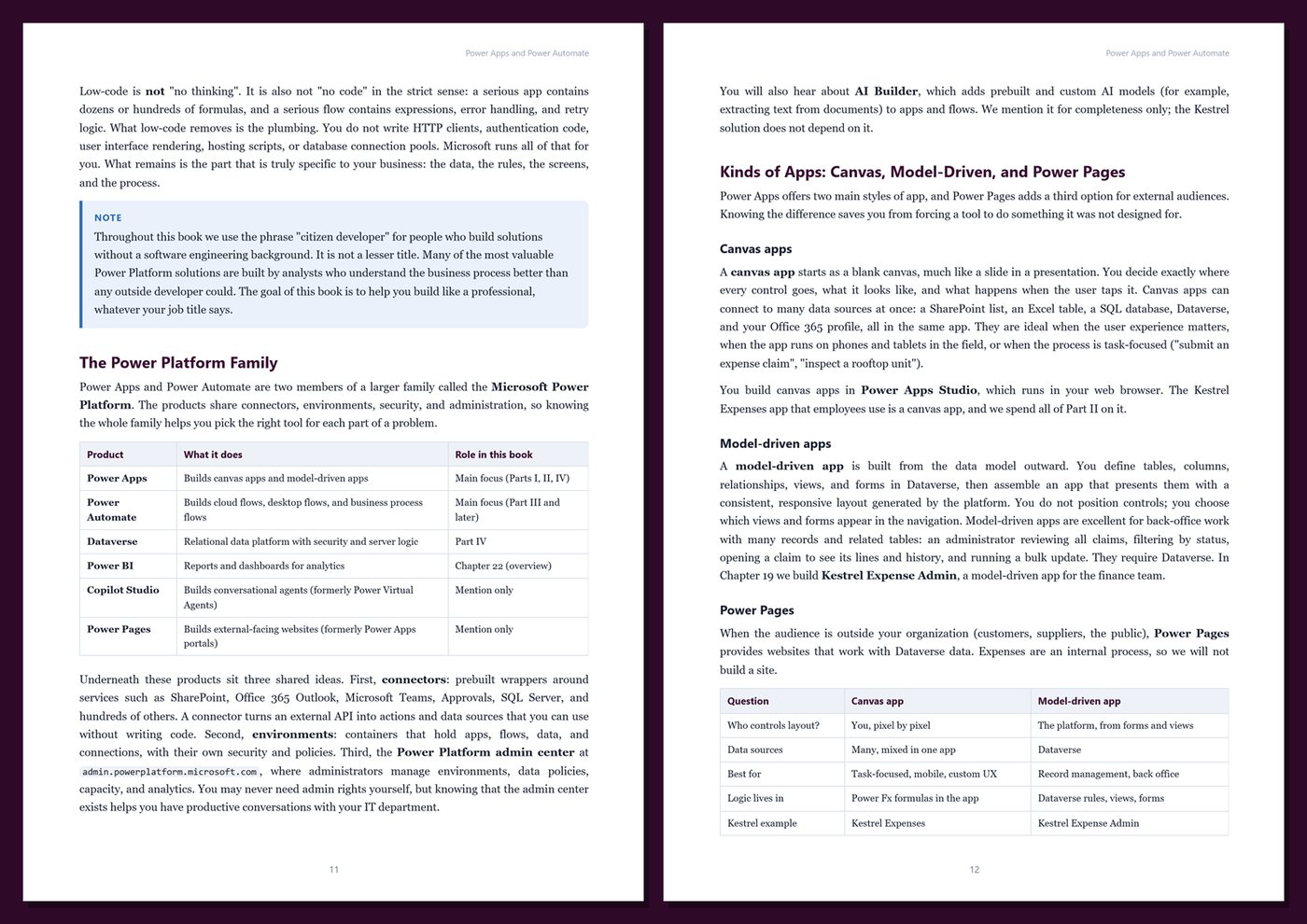
- What Power Apps and Power Automate are, when low-code is the right choice, and how licensing works in general terms (standard vs premium connectors)
- Planning a business app: requirements, data design, statuses as a state machine, policy rules, and approval routing
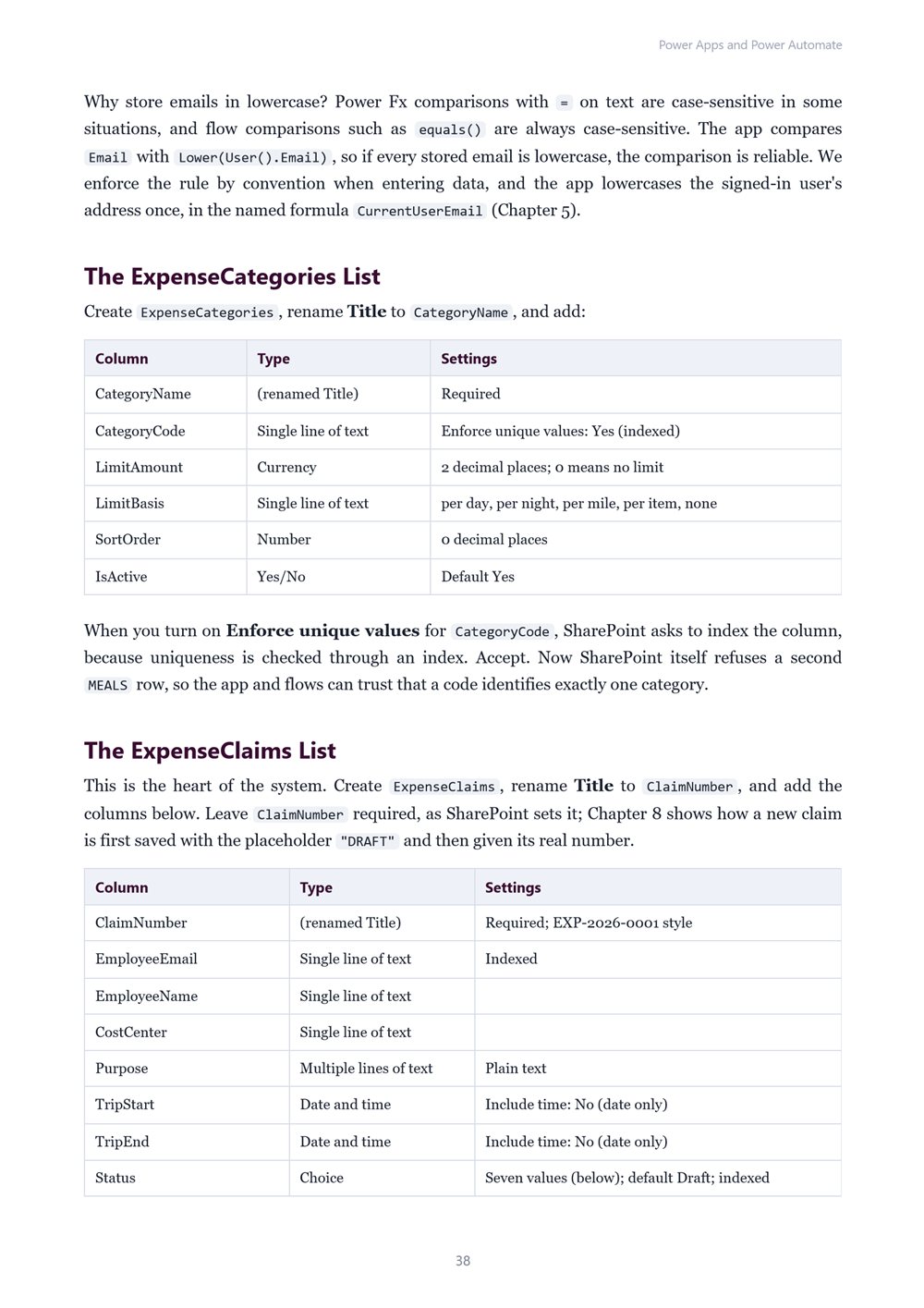
- SharePoint lists as a clean data source: columns, choices, internal names, indexes, and permissions
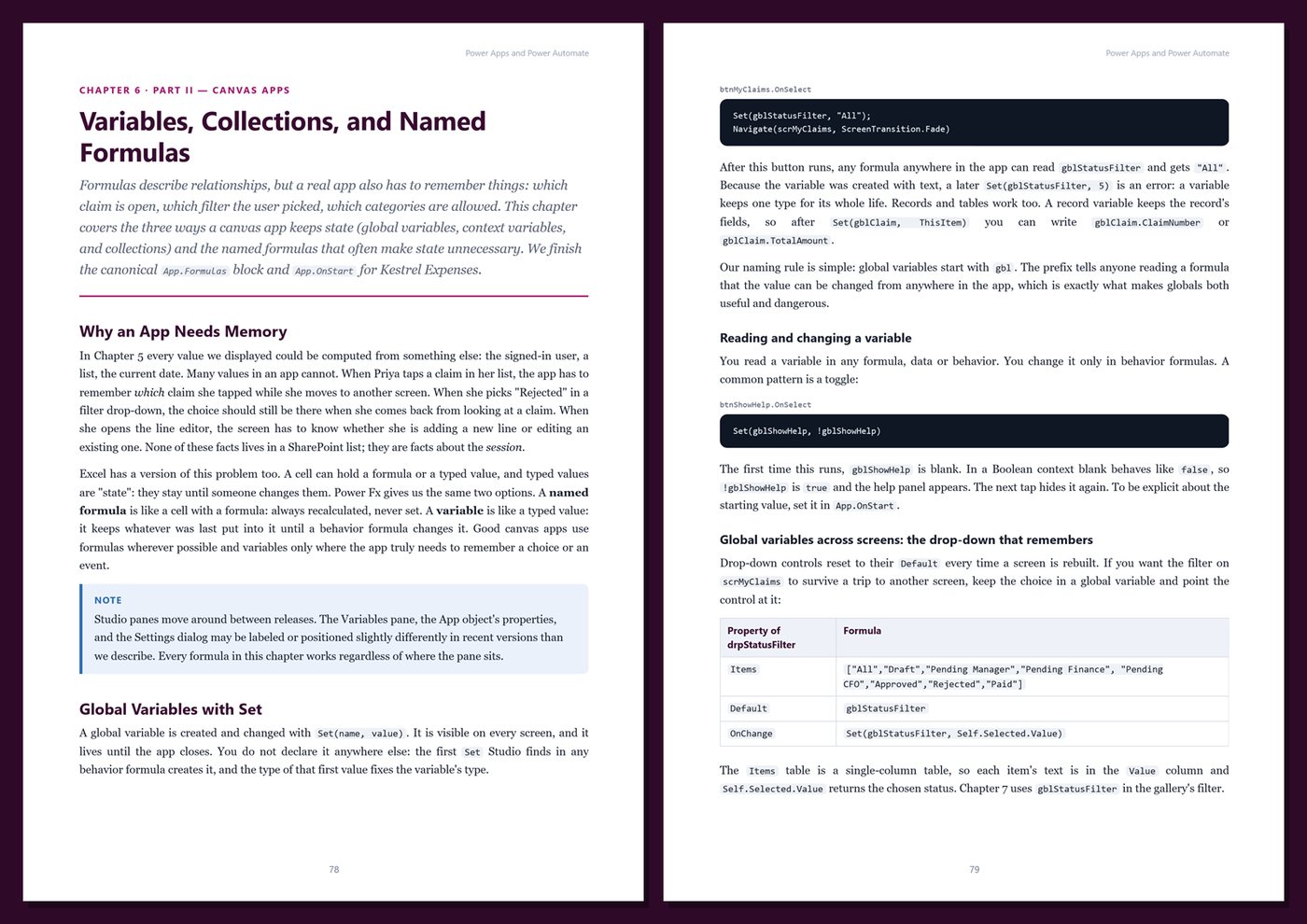
- Canvas apps with Power Fx: galleries, edit forms, Patch, variables, collections, named formulas, and line items
- Delegation explained properly — why formulas silently miss data and how to write ones that scale
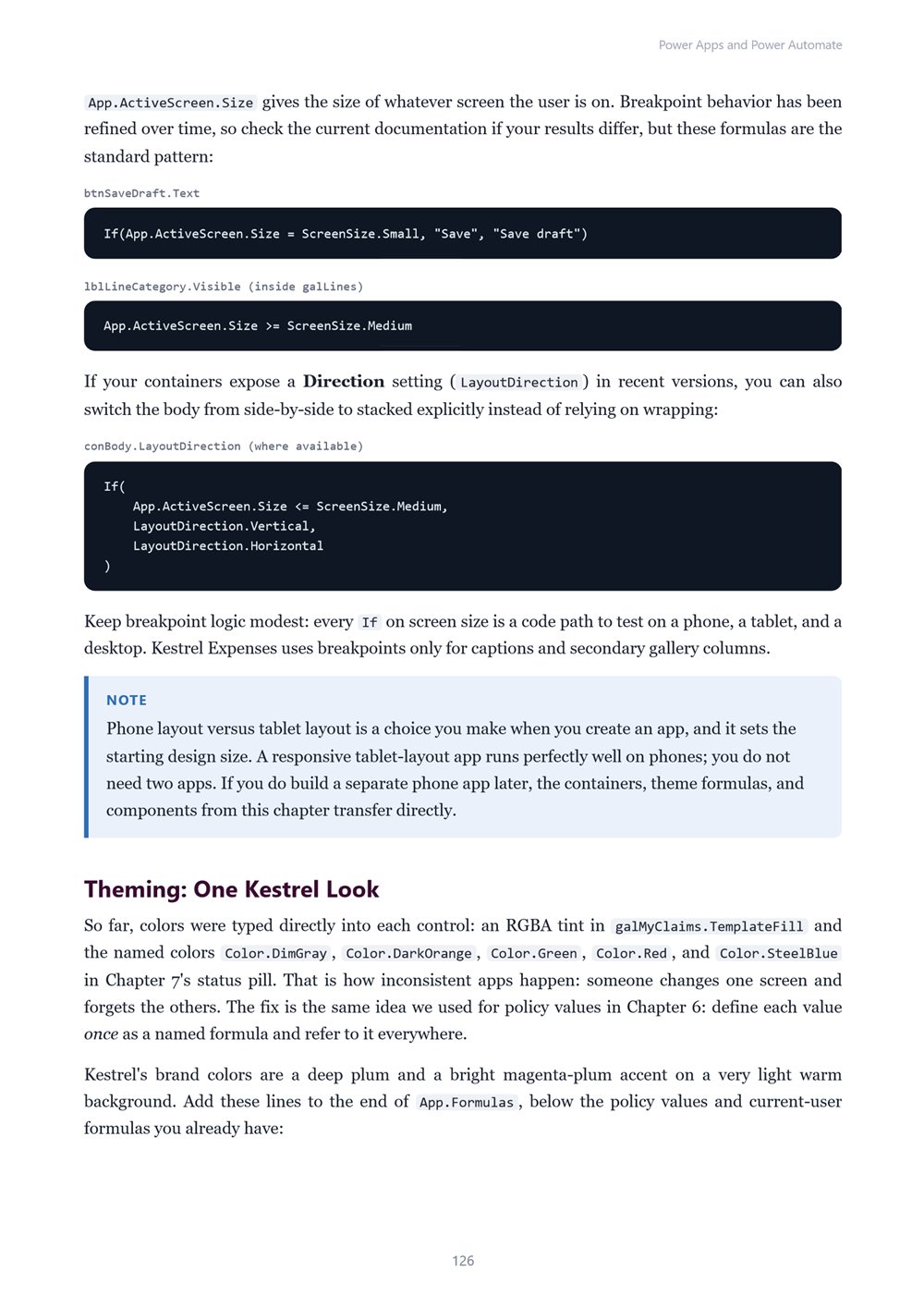
- Responsive layouts with containers, theming, components, accessibility, navigation, validation, and error handling
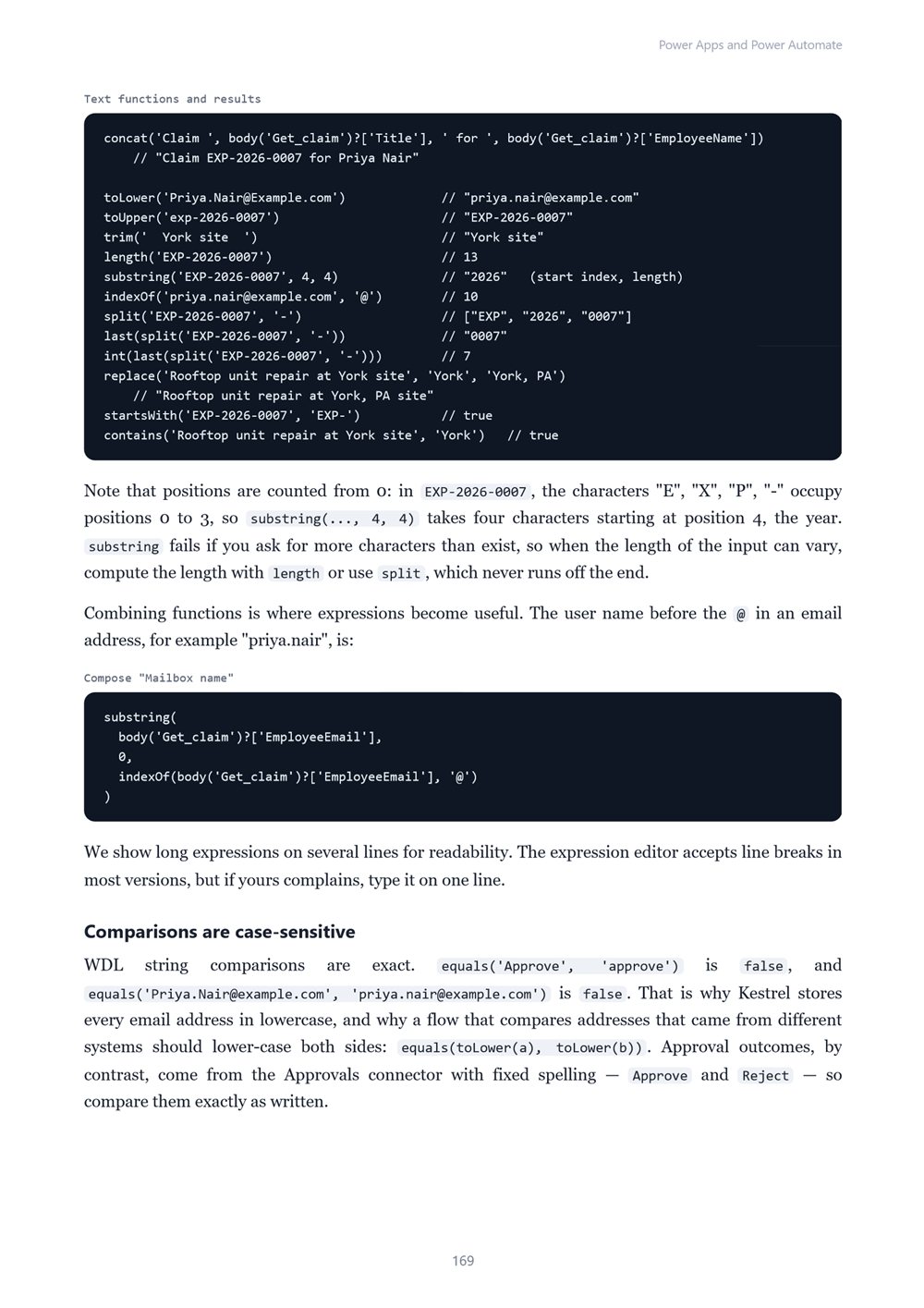
- Cloud flows: triggers, actions, expressions (Workflow Definition Language), conditions, loops, variables, scopes, and trigger conditions
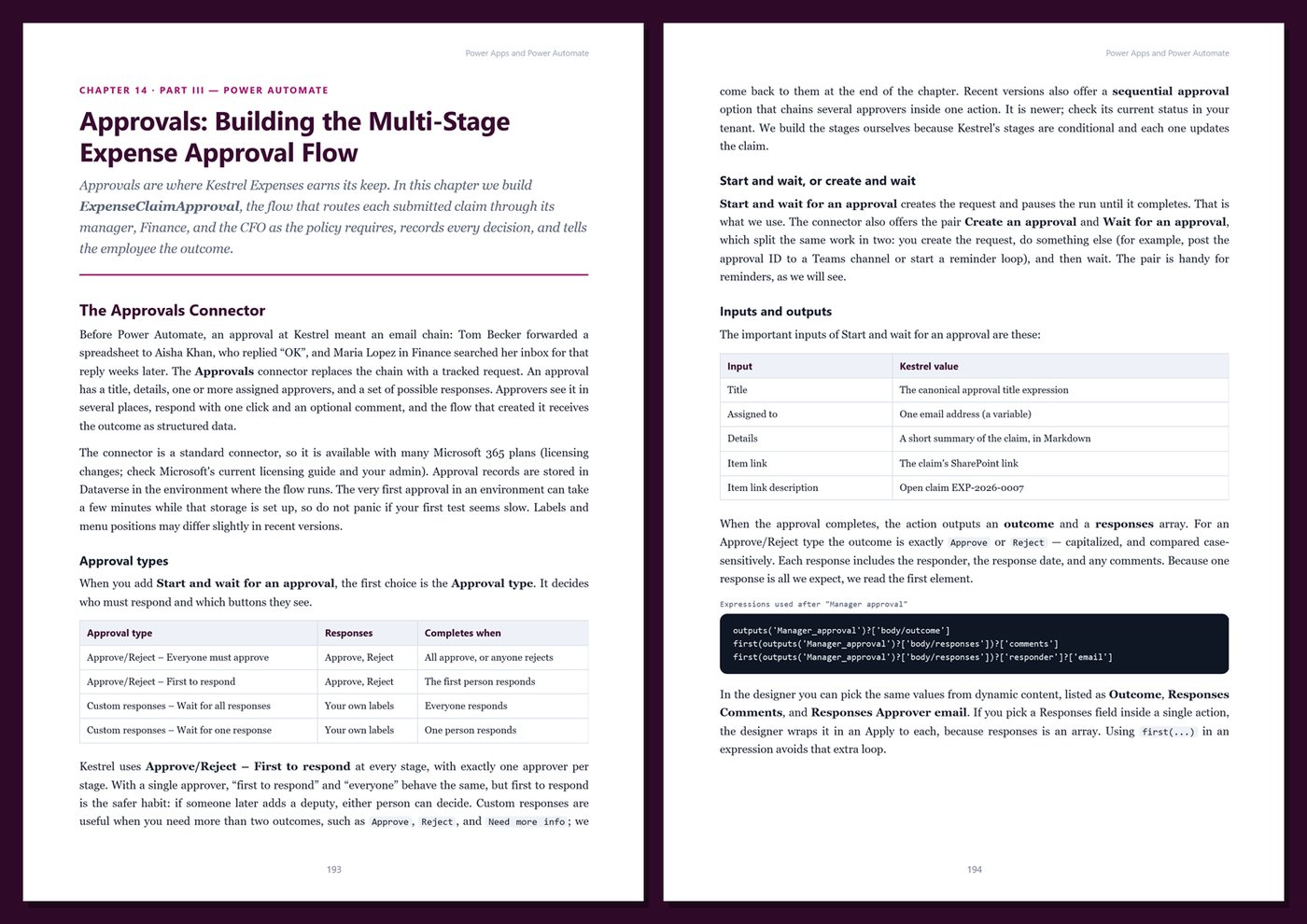
- A multi-stage approval flow (manager, finance, CFO) with policy exceptions, timeouts, history, and notifications
- Calling flows from Power Apps, responding to the app, and scheduled flows that export CSV files
- Dataverse: tables, columns, relationships, choices, autonumbers, business rules, formula and rollup columns, and Dataverse triggers
- Model-driven apps with views, forms, dashboards, and security roles, business units, and teams
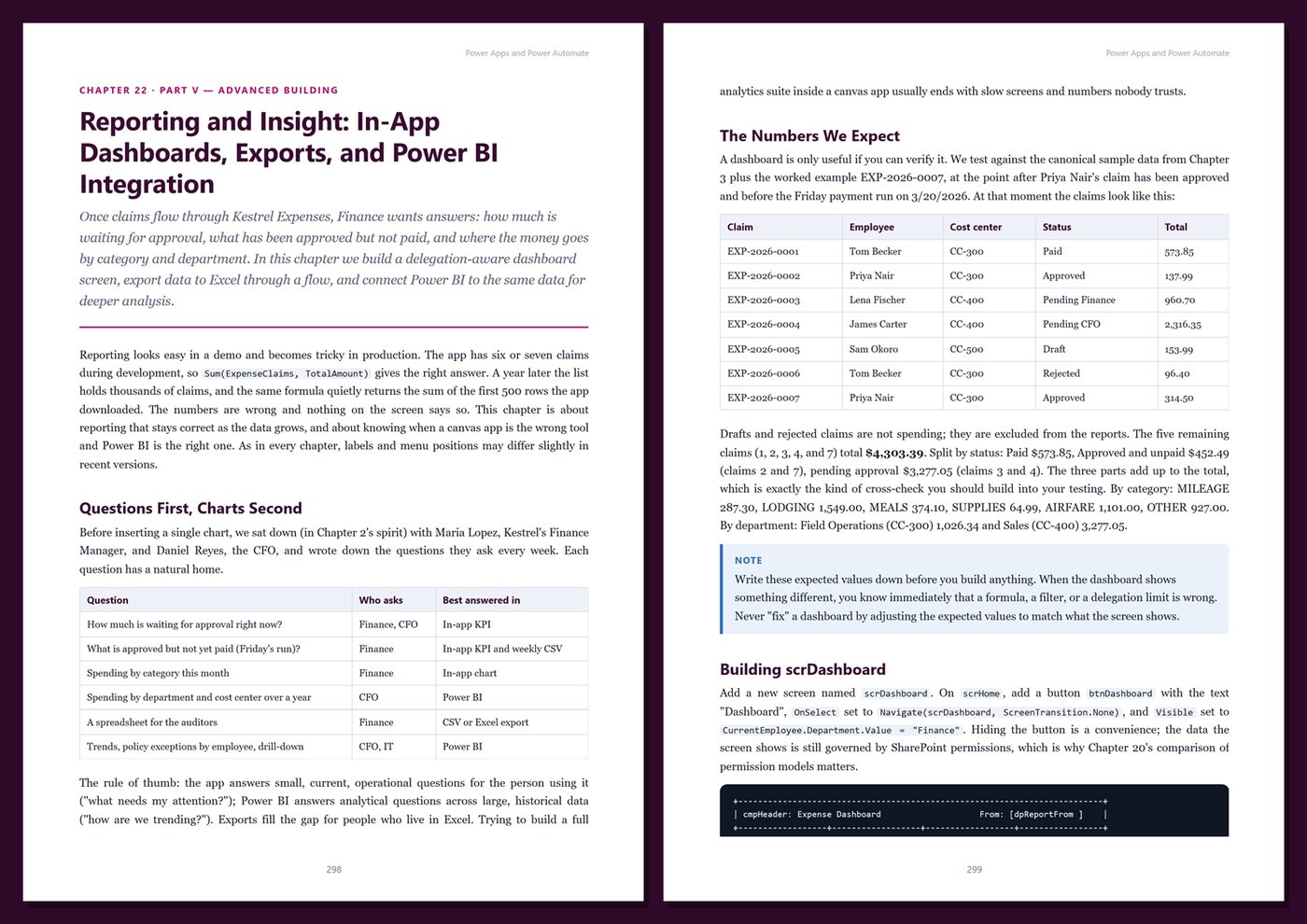
- Receipts, attachments, and generated PDF reports; dashboards and Power BI integration; advanced Power Fx and Monitor
- Integration with HTTP, custom connectors, child flows, and desktop flows
- Production: solutions, environment variables, connection references, pipelines, DLP policies, the CoE Starter Kit, testing, monitoring, troubleshooting, and a full go-live plan
One running example, start to finish. You build Kestrel Expenses for Kestrel Field Services, a fictional HVAC company whose technicians and sales staff travel to job sites and trade shows. Employees create expense claims with line items and receipts; policy limits flag exceptions automatically; a flow routes each claim to the employee's manager, then to finance for large claims or policy exceptions, and to the CFO for the largest ones; finance receives a weekly export of approved claims; and administrators get a model-driven app on Dataverse. The sample data is small and every amount is exact, so you can check each result by hand.
Current and honest. The book describes recent versions of the Power Platform, labels preview features as preview, and notes where menus and designers differ. Licensing is described in general terms only — no prices — with a reminder to confirm with your administrator. It contains no invented benchmarks or statistics. Every chapter includes step-by-step instructions, Power Fx formulas and flow expressions, Tips, Notes, Warnings, exercises, and Key Takeaways, and the appendices give you a cheat sheet, templates and reference tables, a production checklist, and a glossary.
Format: PDF, 411 pages (A4), linked table of contents and bookmarks. English. First Edition, 2026. Published by thenexbooks. You need access to Power Apps and Power Automate (a work or school account, a company sandbox, or a developer environment) to follow along; some features covered require premium licenses. This book is independent and is not affiliated with, sponsored by, or endorsed by Microsoft Corporation.
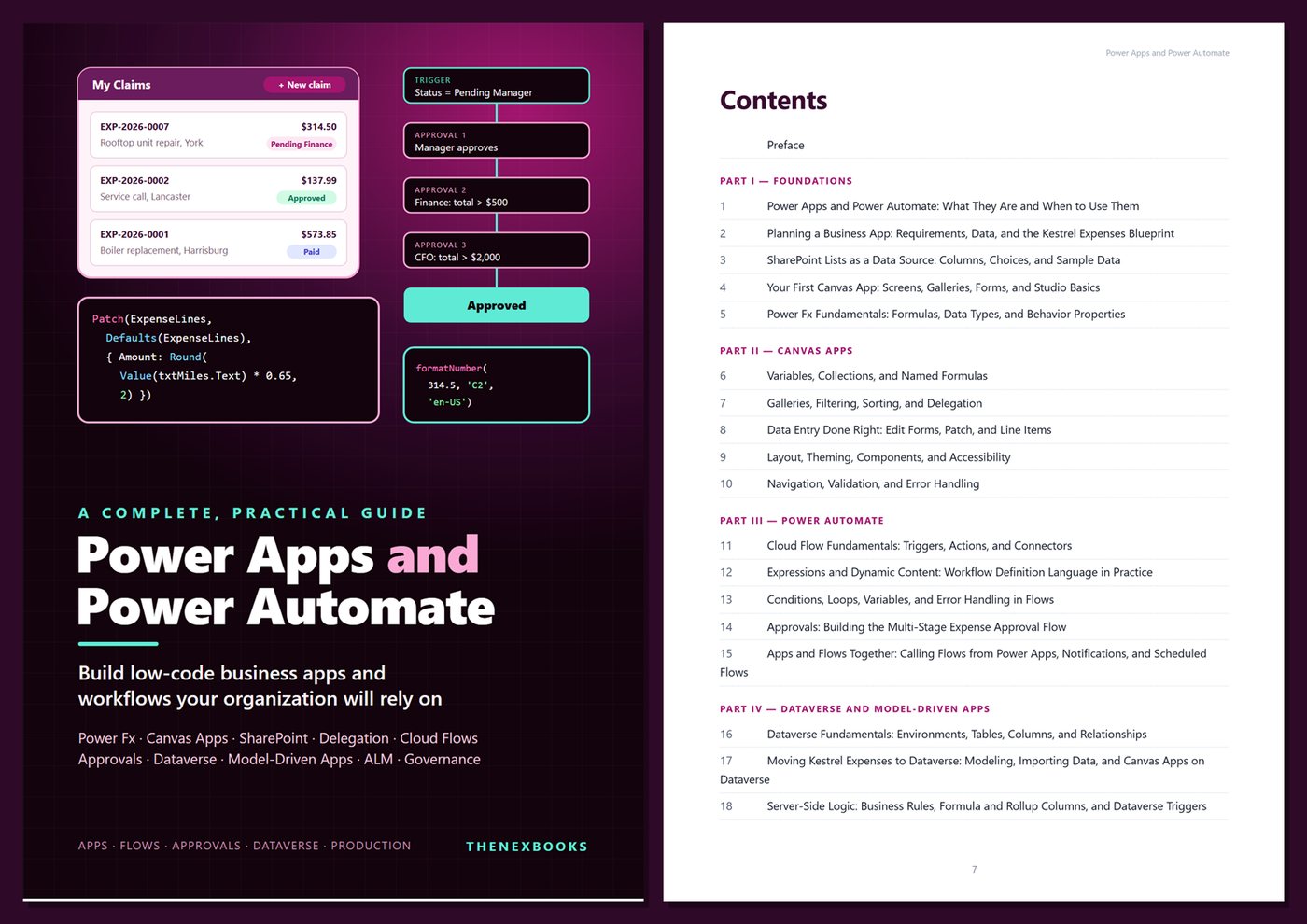
Table of Contents
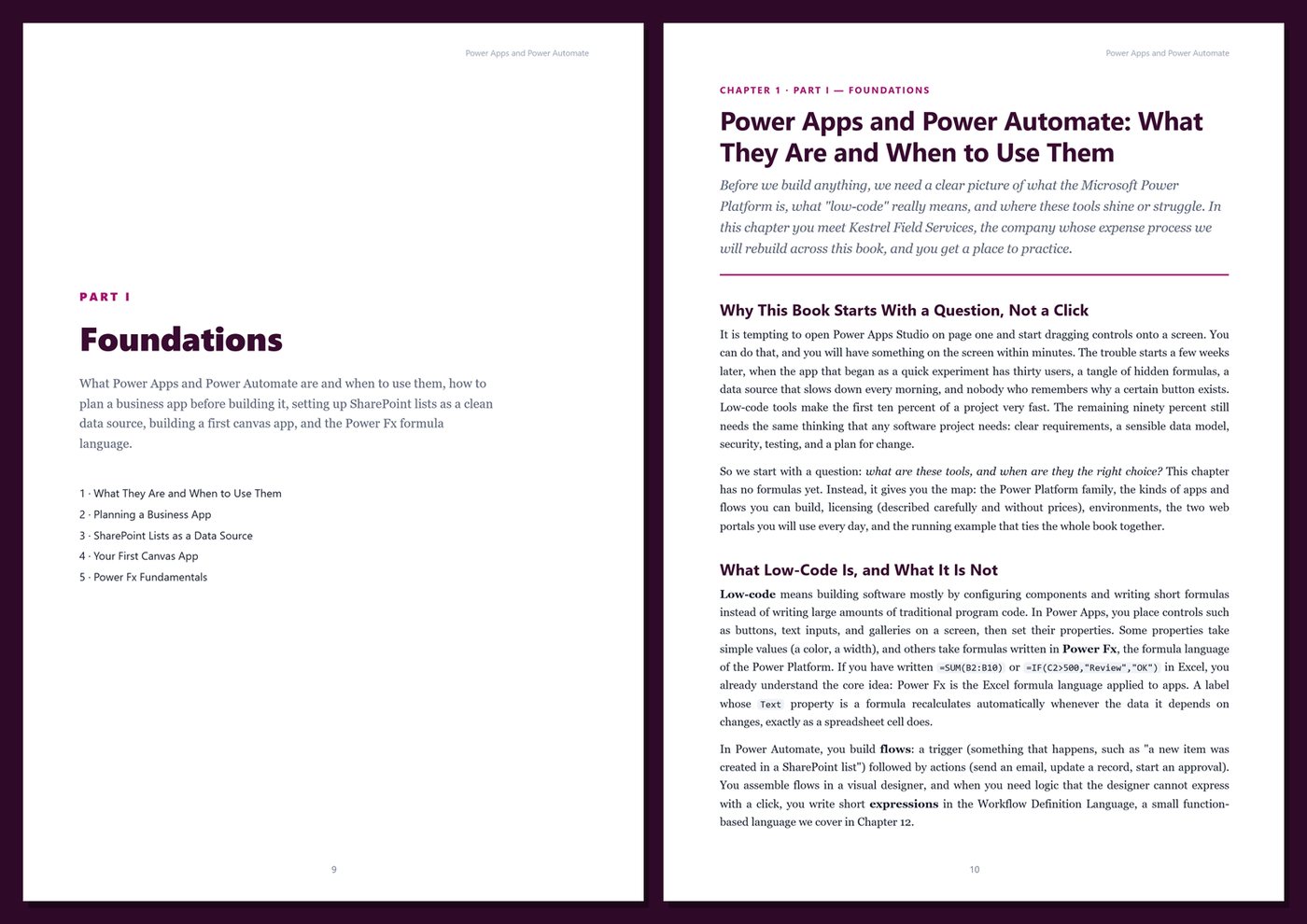
Part I — Foundations
- Ch 1 · Power Apps and Power Automate: What They Are and When to Use Them
- Ch 2 · Planning a Business App: Requirements, Data, and the Kestrel Expenses Blueprint
- Ch 3 · SharePoint Lists as a Data Source: Columns, Choices, and Sample Data
- Ch 4 · Your First Canvas App: Screens, Galleries, Forms, and Studio Basics
- Ch 5 · Power Fx Fundamentals: Formulas, Data Types, and Behavior Properties
Part II — Canvas Apps
- Ch 6 · Variables, Collections, and Named Formulas
- Ch 7 · Galleries, Filtering, Sorting, and Delegation
- Ch 8 · Data Entry Done Right: Edit Forms, Patch, and Line Items
- Ch 9 · Layout, Theming, Components, and Accessibility
- Ch 10 · Navigation, Validation, and Error Handling
Part III — Power Automate
- Ch 11 · Cloud Flow Fundamentals: Triggers, Actions, and Connectors
- Ch 12 · Expressions and Dynamic Content: Workflow Definition Language in Practice
- Ch 13 · Conditions, Loops, Variables, and Error Handling in Flows
- Ch 14 · Approvals: Building the Multi-Stage Expense Approval Flow
- Ch 15 · Apps and Flows Together: Calling Flows from Power Apps, Notifications, and Scheduled Flows
Part IV — Dataverse and Model-Driven Apps
- Ch 16 · Dataverse Fundamentals: Environments, Tables, Columns, and Relationships
- Ch 17 · Moving Kestrel Expenses to Dataverse: Modeling, Importing Data, and Canvas Apps on Dataverse
- Ch 18 · Server-Side Logic: Business Rules, Formula and Rollup Columns, and Dataverse Triggers
- Ch 19 · Model-Driven Apps: Views, Forms, Navigation, and Dashboards
- Ch 20 · Dataverse Security: Business Units, Security Roles, Teams, and Sharing
Part V — Advanced Building
- Ch 21 · Files, Receipts, and Documents: Attachments, Images, and PDF Reports
- Ch 22 · Reporting and Insight: In-App Dashboards, Exports, and Power BI Integration
- Ch 23 · Advanced Power Fx and Performance: With, ForAll, Concurrent, and Monitor
- Ch 24 · Integration: HTTP, Custom Connectors, Child Flows, and Desktop Flows
Part VI — Production
- Ch 25 · Application Lifecycle Management: Solutions, Environment Variables, and Pipelines
- Ch 26 · Governance and Administration: Environments, DLP Policies, and the CoE Starter Kit
- Ch 27 · Testing, Monitoring, and Troubleshooting Apps and Flows
- Ch 28 · Going Live: Deploying Kestrel Expenses to Production — A Complete Case Study
Appendices
A · Power Fx and Expressions Cheat Sheet
B · Templates and Reference
C · Production Checklist
D · Glossary
Book details
| Detail | |
|---|---|
| Pages | 411 |
| Format | PDF (A4) |
| Language | English |
| Level | Beginner to Intermediate |
| Edition | 1st Edition (2026) |
| Download on this site | Free sample, first 20 pages (PDF) |
| Publisher | thenexbooks |
Files you get
No reviews yet. Only buyers can review.
More from thenexbooks