 1 / 11
Learn UIKit the way professional iOS teams use it today: app and scene life cycle, view controllers, Auto Layout and stack views, Dynamic Type, table views, diffable data sources, compositional layout, modern cell configuration, navigation and coordinators, sheets and presentation, forms and…
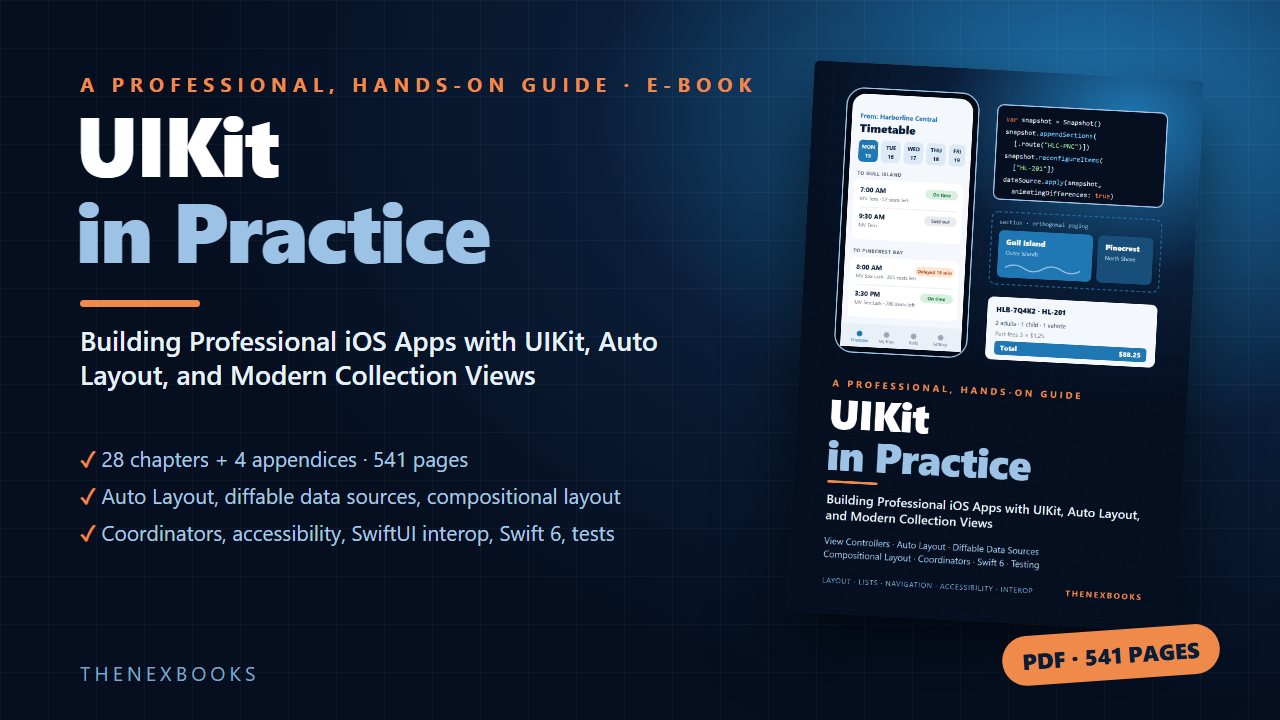
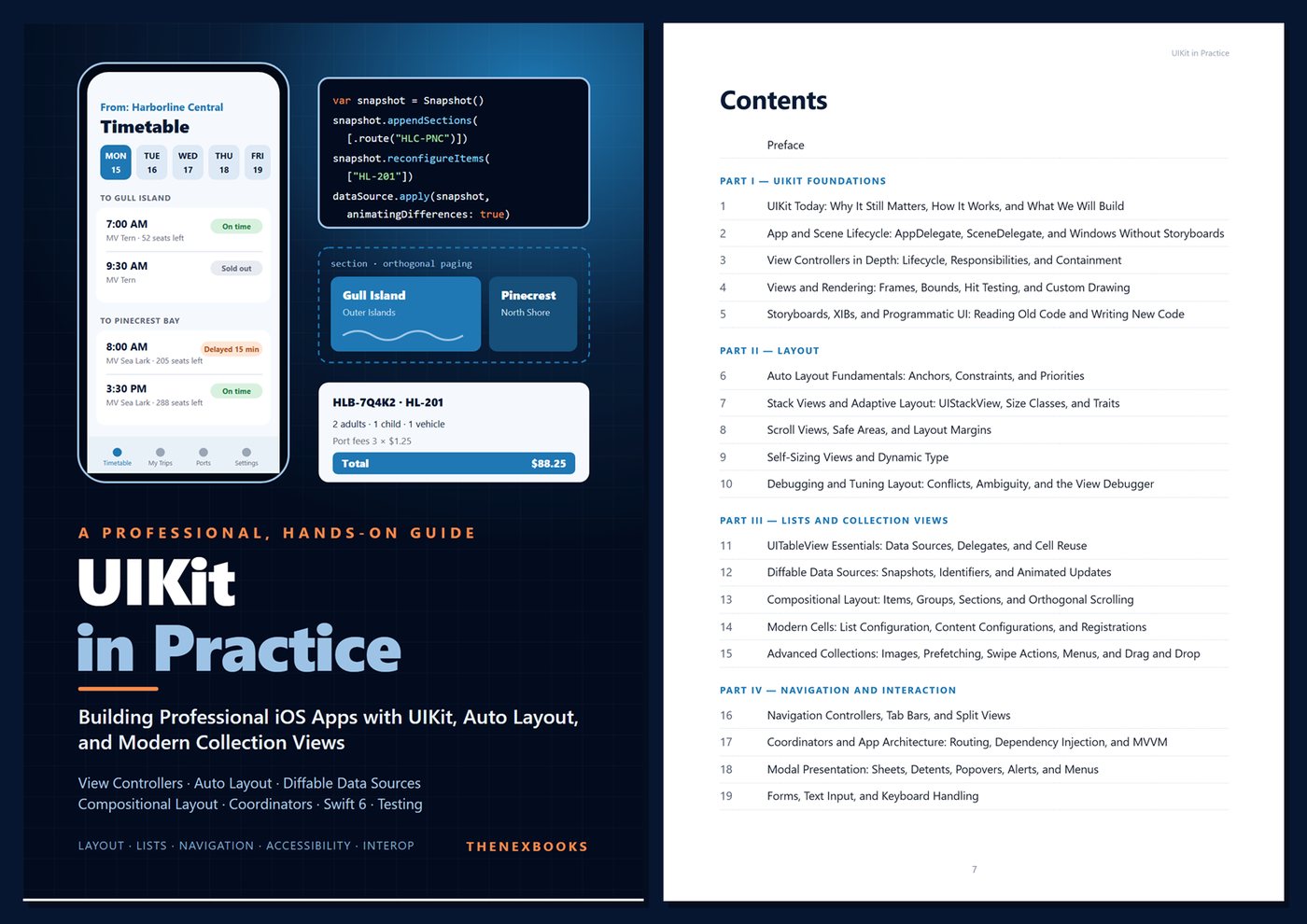
Building Professional iOS Apps with UIKit, Auto Layout, and Modern Collection Views
Read before you buy: the PDF here is a free sample — the first 20 pages of the 541-page book (payments, sales and reviews on this demo site are sample data). Get the full e-book at thenexbooks on Gumroad.
Master the UIKit skills that iOS jobs and large real-world codebases demand.
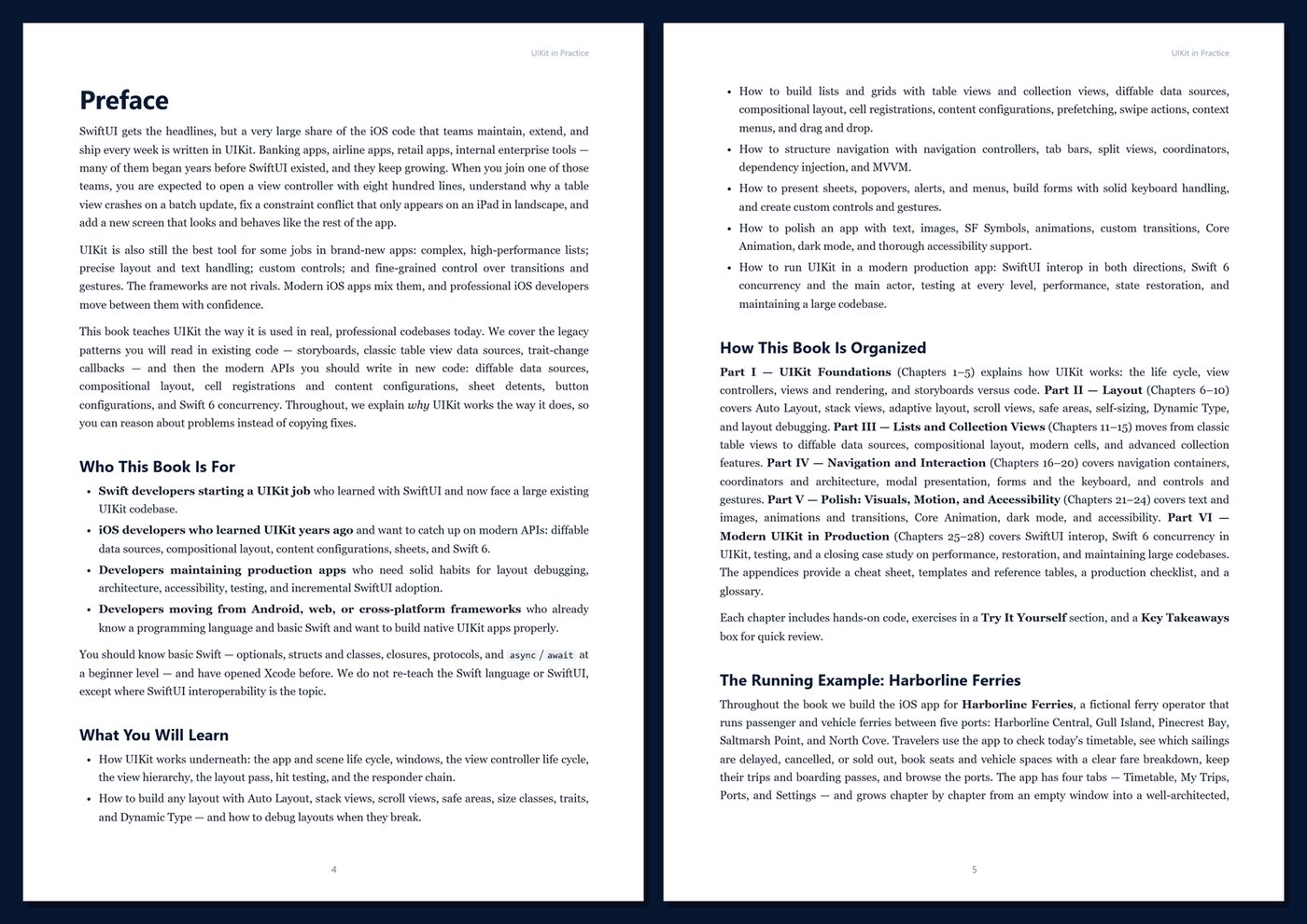
SwiftUI gets the headlines, but a very large share of the iOS code that teams maintain and extend every week is written in UIKit. When you join one of those teams, you are expected to understand an existing view controller hierarchy, fix a constraint conflict that only appears on iPad, make a table view stop crashing on updates, and add new screens that match the rest of the app — in modern Swift 6.
This book teaches UIKit the way it is used in professional codebases today. You will learn to read the legacy patterns you will meet in existing code — storyboards, classic data sources, trait-change callbacks — and to write new code with the modern APIs: diffable data sources, compositional layout, cell registrations and content configurations, sheet detents, button configurations, and Swift 6 concurrency. Every topic explains why UIKit behaves the way it does, so you can debug problems instead of copying fixes.
What's inside
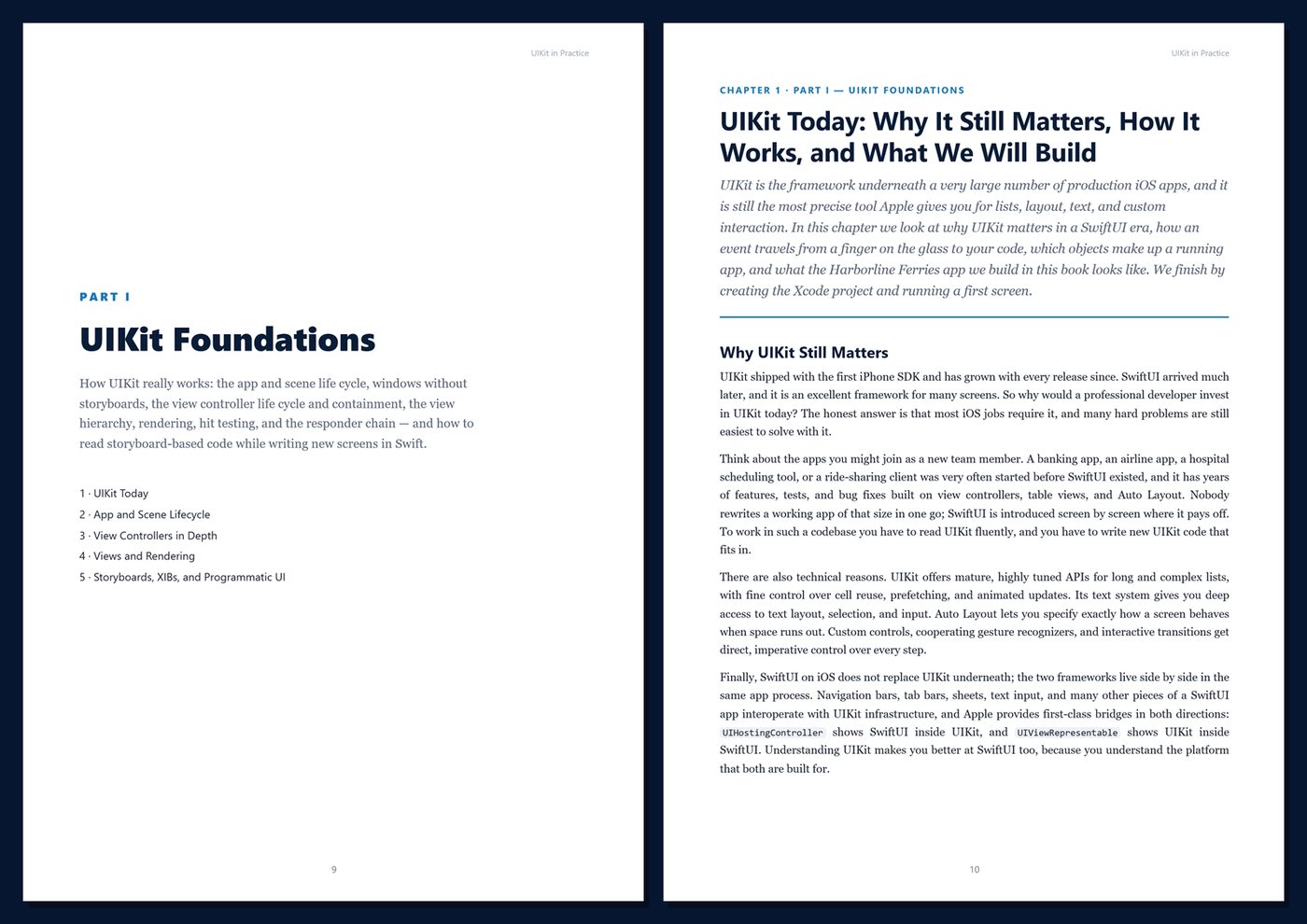
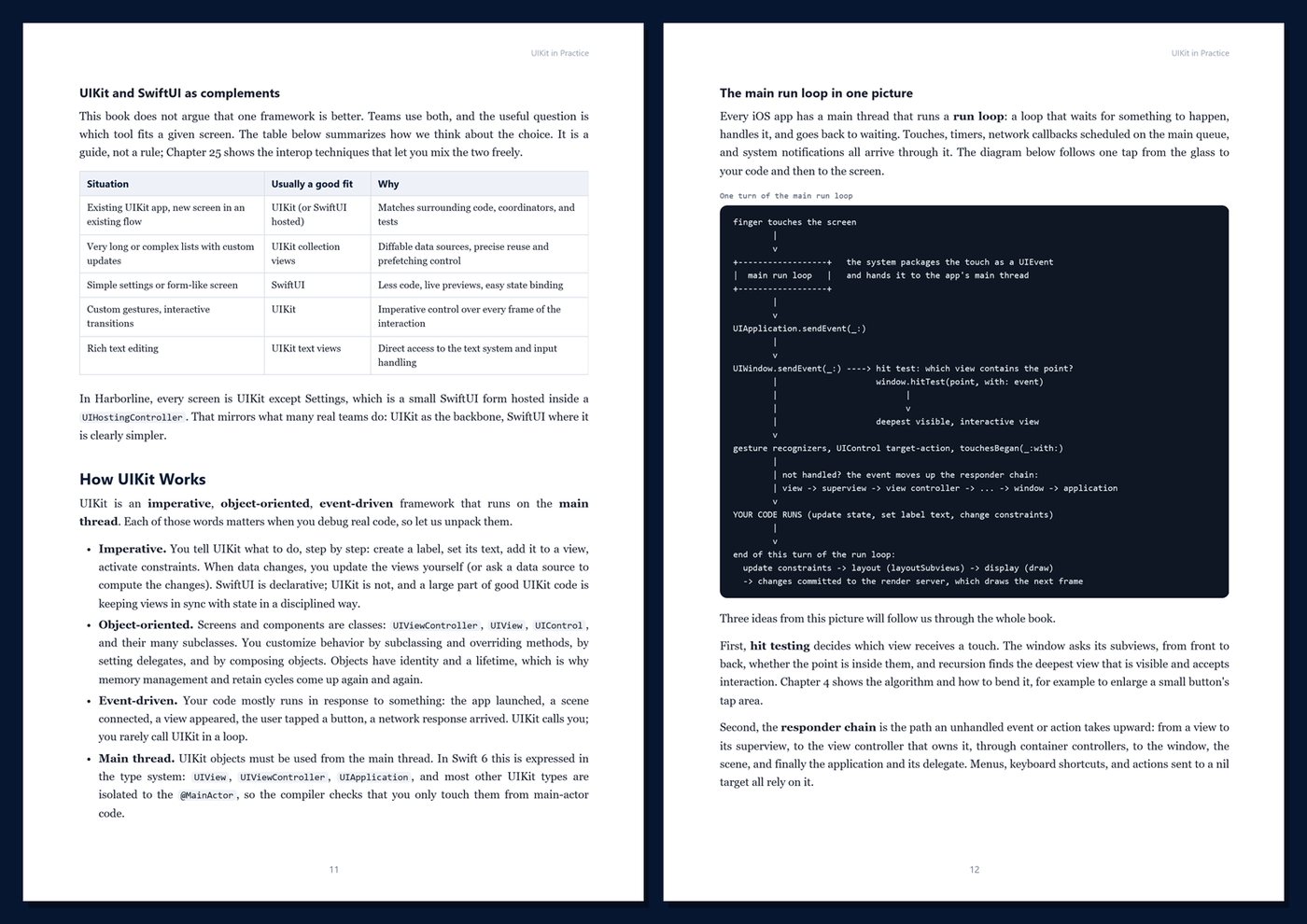
- How UIKit really works: the run loop, app and scene life cycle, windows without storyboards, the view controller life cycle, containment, the view hierarchy, hit testing, and the responder chain
- Storyboards, XIBs, and programmatic UI: reading old code, injecting dependencies, and converting scenes to code
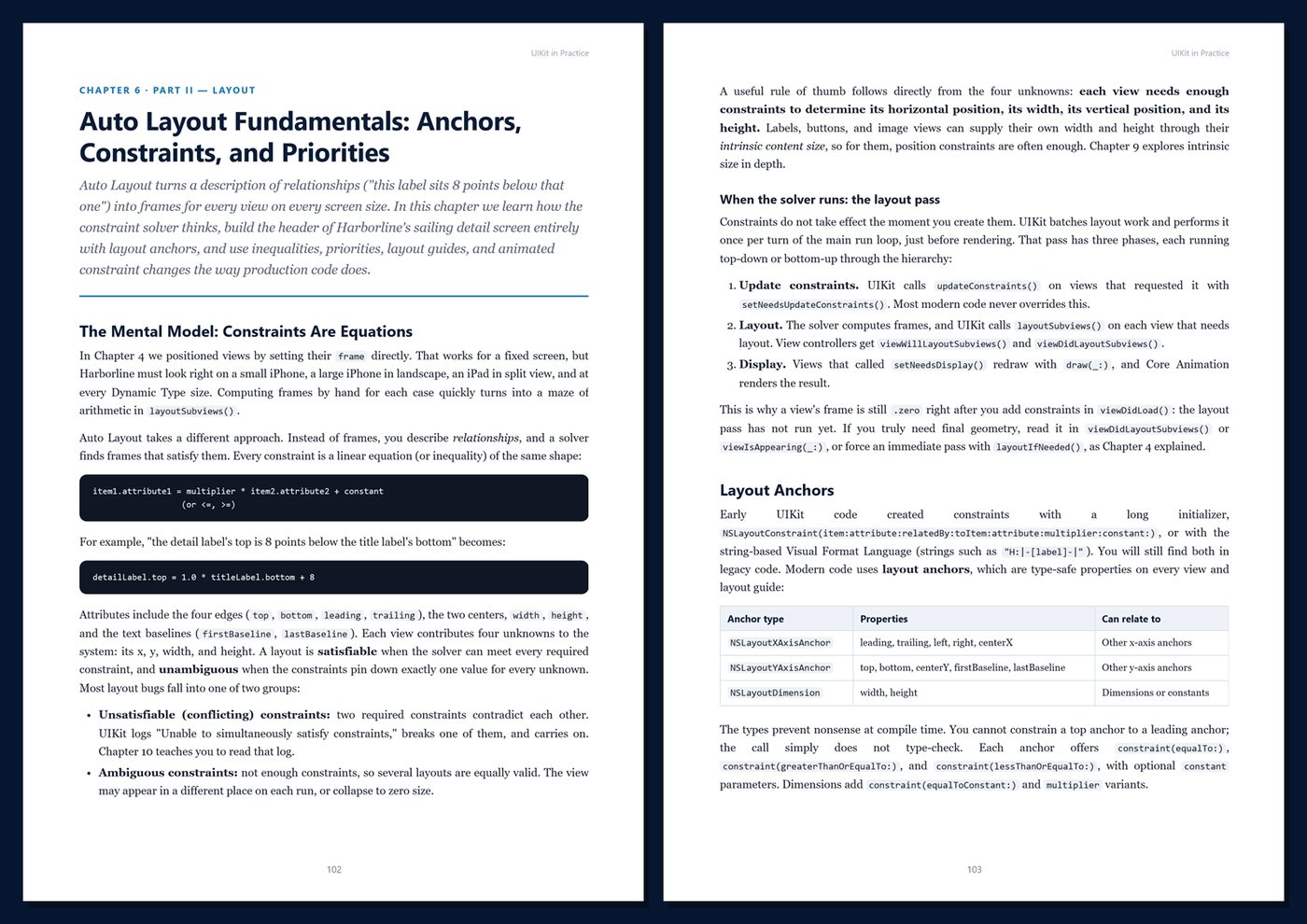
- Layout that works everywhere: Auto Layout anchors and priorities, stack views, size classes and traits, scroll views, safe areas, self-sizing views, Dynamic Type, and a systematic approach to layout debugging
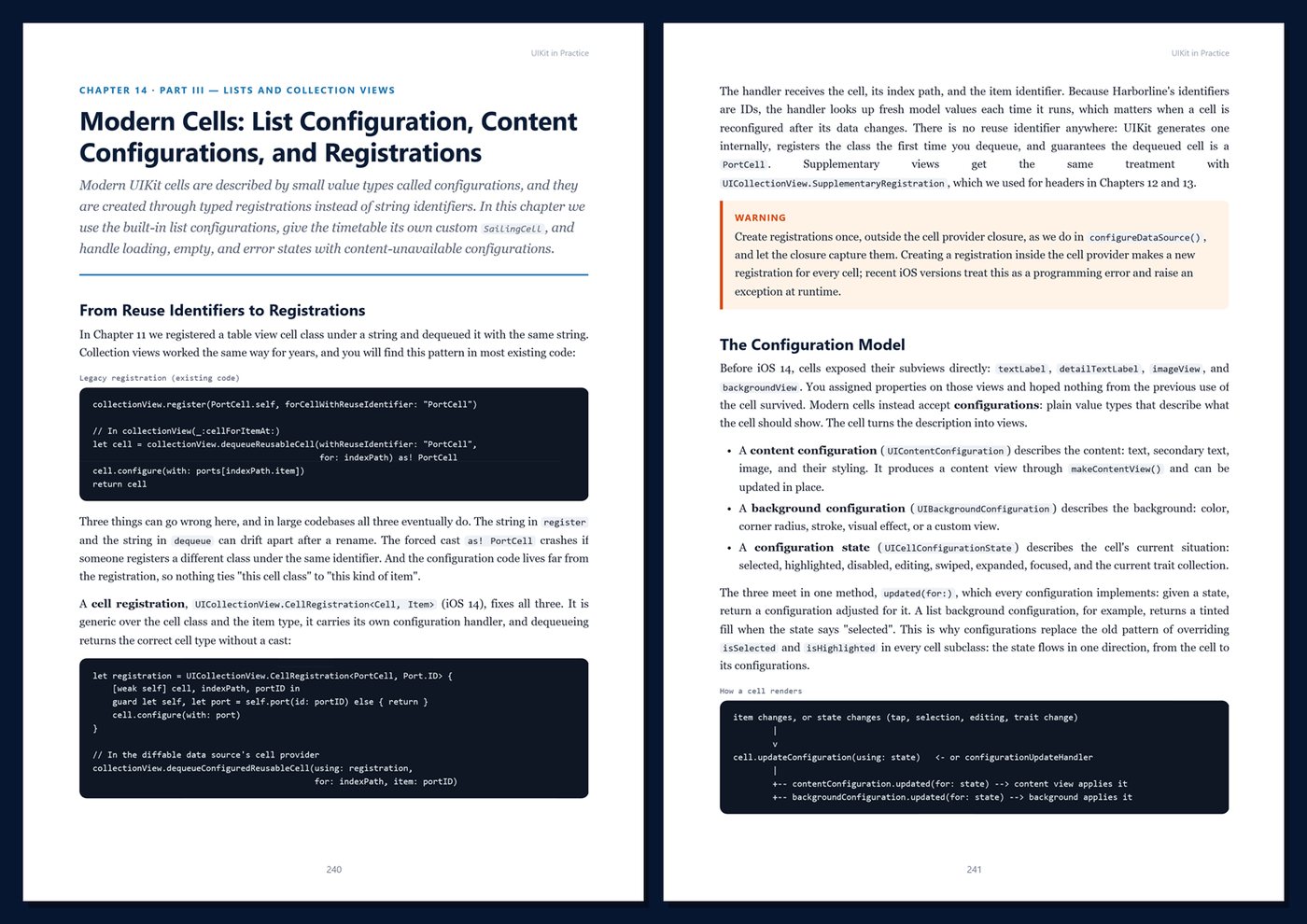
- Lists and grids: table views, diffable data sources and snapshots, compositional layout with orthogonal sections, list configurations, custom content configurations, empty states, async images, prefetching, swipe actions, context menus, and drag and drop
- Navigation and architecture: navigation controllers, tab bars, split views, coordinators, dependency injection, MVVM, and deep links
- Interaction: sheets with detents, popovers, alerts and menus, forms with solid keyboard handling, button configurations, custom UIControls, gestures, and haptics
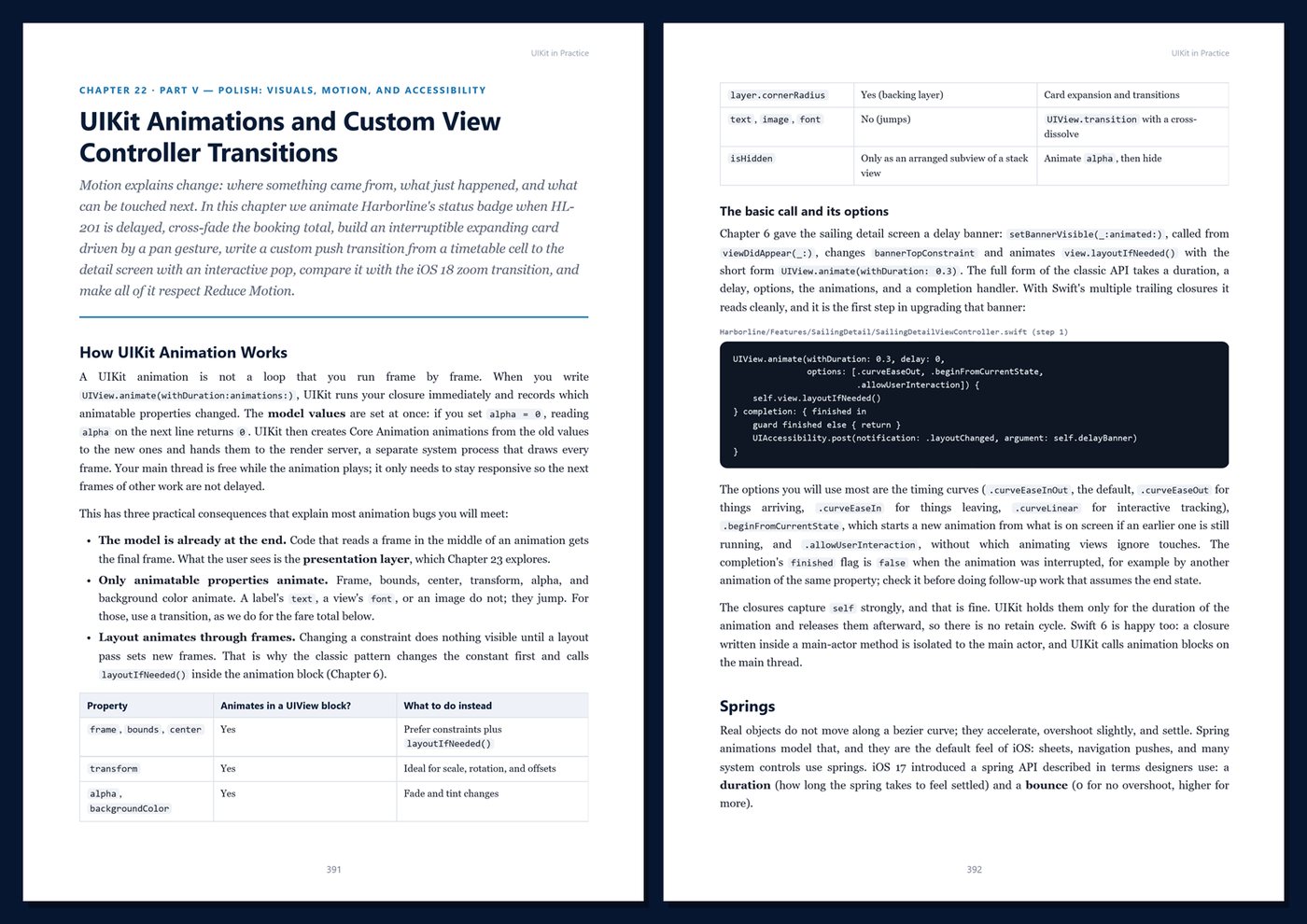
- Polish: text and attributed strings, SF Symbols, image handling, UIKit animations, custom view controller transitions, Core Animation layers, dark mode, VoiceOver, and inclusive design
- Modern production UIKit: SwiftUI in UIKit and UIKit in SwiftUI, Swift 6 concurrency and the main actor, unit tests with Swift Testing, view controller tests, UI tests with XCUITest, performance, state restoration, and maintaining a large codebase
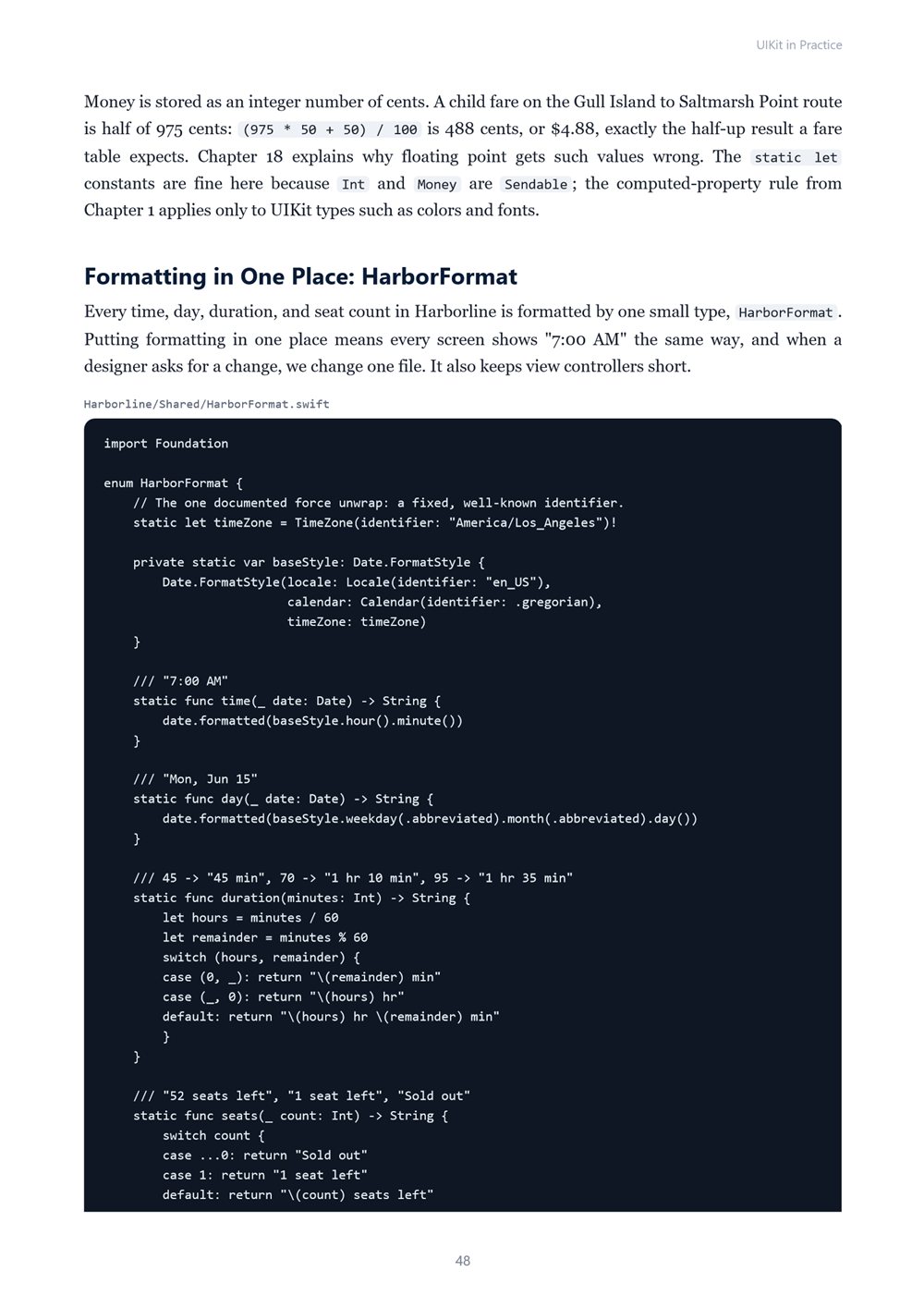
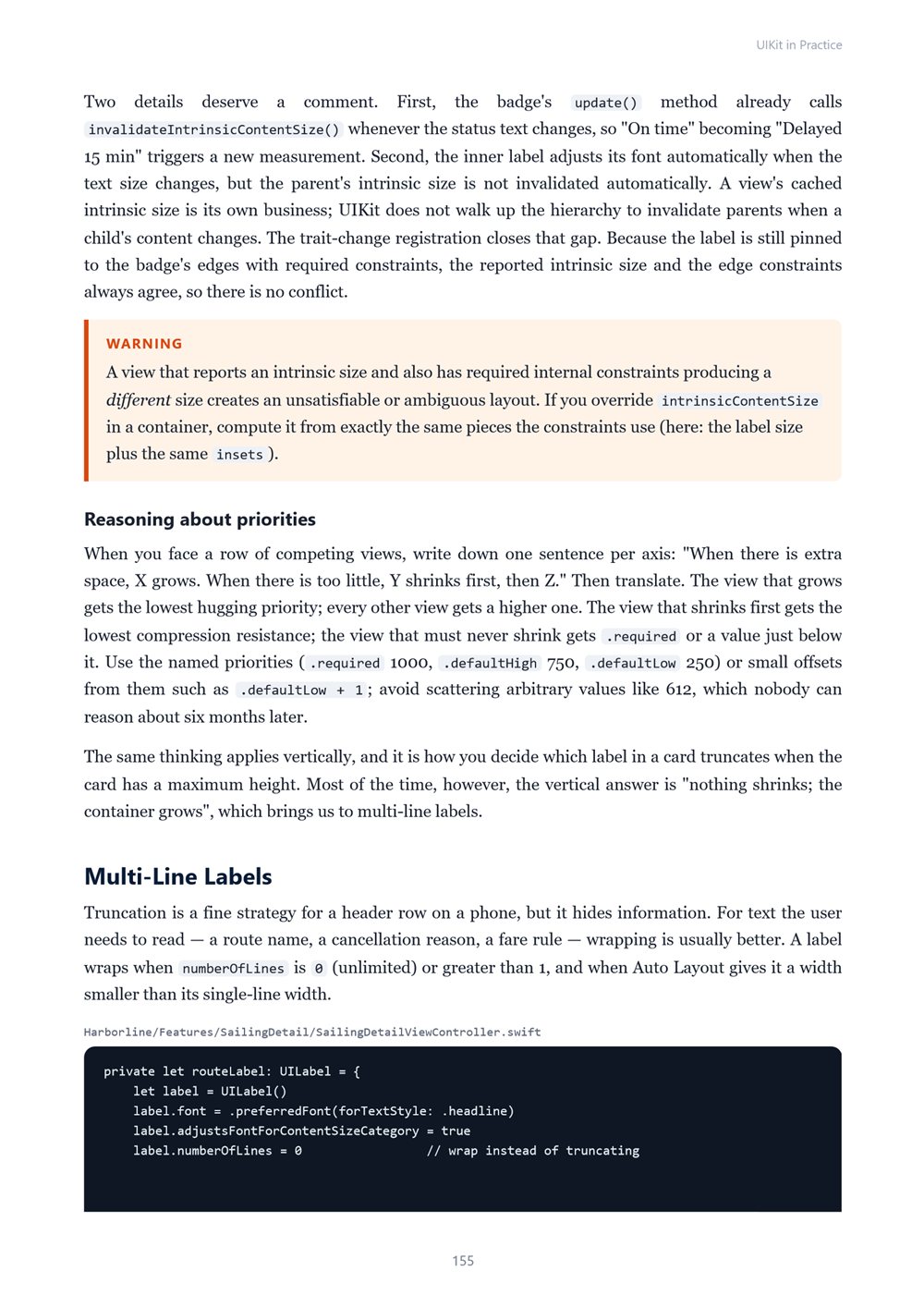
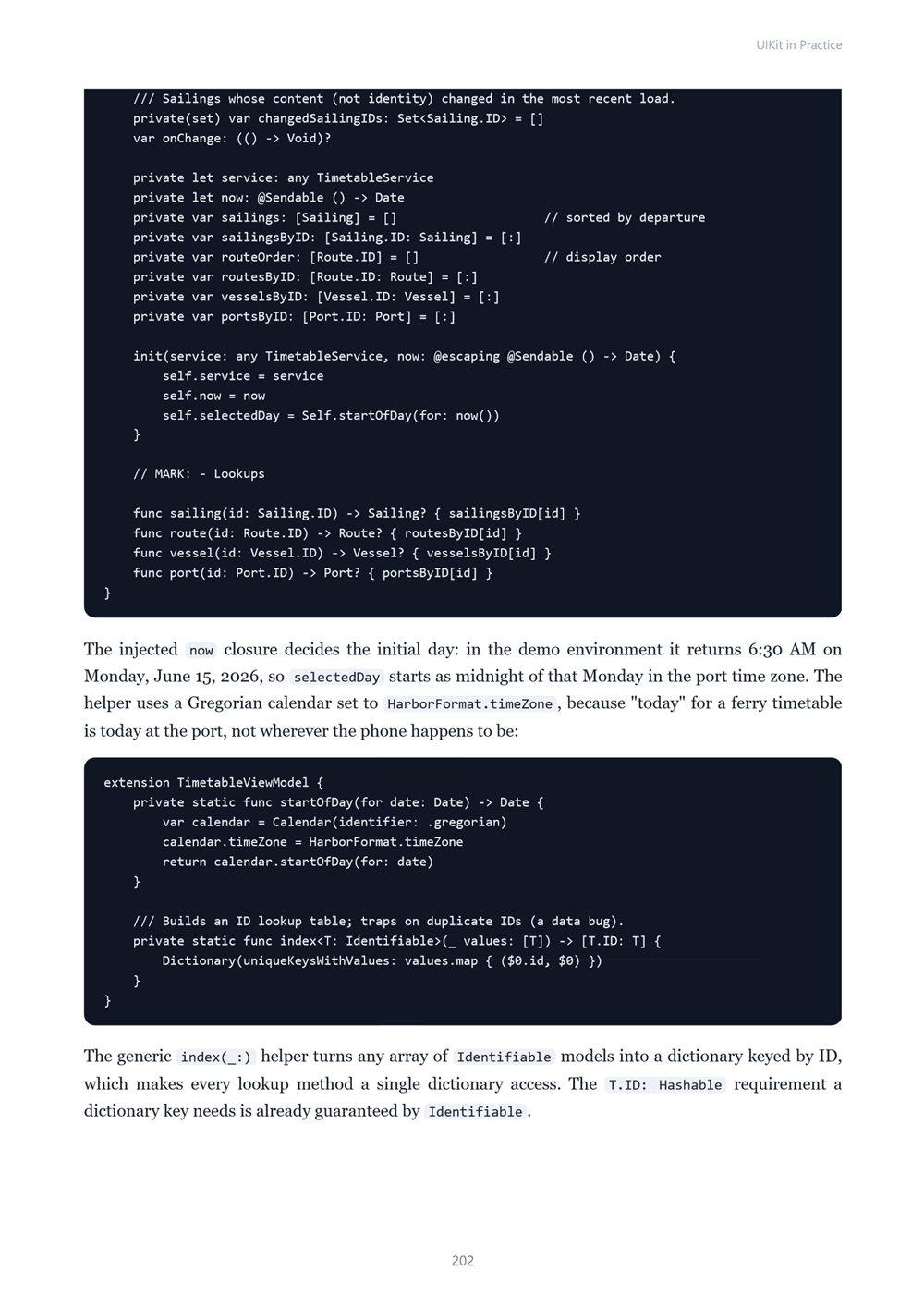
One running example, start to finish. You build the app for Harborline Ferries, a fictional ferry operator with five ports, four vessels, and a daily timetable. The app grows chapter by chapter into a complete, well-architected UIKit app: a live timetable with delays, cancellations, and sold-out sailings; sailing details; a booking flow with passenger counts, vehicles, and a clear fare breakdown; My Trips with boarding passes; a Ports browser; and a SwiftUI-powered Settings screen. The sample data is small and fixed, so every fare and total in the book can be checked by hand.
Current and honest. The code uses the Swift 6 language mode with a deployment target of iOS 18, and features that need iOS 26 are clearly marked and wrapped in availability checks. The book contains no invented benchmarks or statistics. Every chapter includes complete Swift code, screen sketches, Tips, Notes, Warnings, exercises, and Key Takeaways, and the appendices give you a cheat sheet, copy-ready templates and reference tables, a production checklist, and a glossary. Readers should know basic Swift; the book does not re-teach the Swift language or SwiftUI.
Format: PDF, 541 pages (A4), linked table of contents and bookmarks. English. First Edition, 2026. Published by thenexbooks. Building iOS apps requires a Mac with Xcode. Apple, iOS, Xcode, Swift, and UIKit are trademarks of Apple Inc. This book is independent and is not affiliated with, sponsored by, or endorsed by Apple Inc.
Table of Contents
Part I — UIKit Foundations
- Ch 1 · UIKit Today: Why It Still Matters, How It Works, and What We Will Build
- Ch 2 · App and Scene Lifecycle: AppDelegate, SceneDelegate, and Windows Without Storyboards
- Ch 3 · View Controllers in Depth: Lifecycle, Responsibilities, and Containment
- Ch 4 · Views and Rendering: Frames, Bounds, Hit Testing, and Custom Drawing
- Ch 5 · Storyboards, XIBs, and Programmatic UI: Reading Old Code and Writing New Code
Part II — Layout
- Ch 6 · Auto Layout Fundamentals: Anchors, Constraints, and Priorities
- Ch 7 · Stack Views and Adaptive Layout: UIStackView, Size Classes, and Traits
- Ch 8 · Scroll Views, Safe Areas, and Layout Margins
- Ch 9 · Self-Sizing Views and Dynamic Type
- Ch 10 · Debugging and Tuning Layout: Conflicts, Ambiguity, and the View Debugger
Part III — Lists and Collection Views
- Ch 11 · UITableView Essentials: Data Sources, Delegates, and Cell Reuse
- Ch 12 · Diffable Data Sources: Snapshots, Identifiers, and Animated Updates
- Ch 13 · Compositional Layout: Items, Groups, Sections, and Orthogonal Scrolling
- Ch 14 · Modern Cells: List Configuration, Content Configurations, and Registrations
- Ch 15 · Advanced Collections: Images, Prefetching, Swipe Actions, Menus, and Drag and Drop
Part IV — Navigation and Interaction
- Ch 16 · Navigation Controllers, Tab Bars, and Split Views
- Ch 17 · Coordinators and App Architecture: Routing, Dependency Injection, and MVVM
- Ch 18 · Modal Presentation: Sheets, Detents, Popovers, Alerts, and Menus
- Ch 19 · Forms, Text Input, and Keyboard Handling
- Ch 20 · Controls and Gestures: Buttons, Custom UIControls, and Gesture Recognizers
Part V — Polish: Visuals, Motion, and Accessibility
- Ch 21 · Text, Fonts, Images, and SF Symbols
- Ch 22 · UIKit Animations and Custom View Controller Transitions
- Ch 23 · Core Animation Essentials: Layers, Shadows, Gradients, and Shape Animations
- Ch 24 · Dark Mode, Accessibility, and Inclusive Design
Part VI — Modern UIKit in Production
- Ch 25 · SwiftUI and UIKit Together: Hosting Controllers and Representables
- Ch 26 · Swift 6 Concurrency in UIKit: MainActor, Tasks, Loading State, and Observation
- Ch 27 · Testing UIKit Apps: Swift Testing, View Controller Tests, and UI Tests
- Ch 28 · Case Study: Shipping and Maintaining Harborline — Performance, Restoration, and Large Codebases
Appendices
A · UIKit Cheat Sheet
B · Templates and Reference
C · Production Checklist
D · Glossary
Book details
| Detail | |
|---|---|
| Pages | 541 |
| Format | PDF (A4) |
| Language | English |
| Level | Intermediate to Professional |
| Edition | 1st Edition (2026) |
| Download on this site | Free sample, first 20 pages (PDF) |
| Publisher | thenexbooks |
Files you get
No reviews yet. Only buyers can review.
More from thenexbooks